If you’re searching for the latest and greatest addition to your marketing arsenal, Facebook’s Dynamic Ad Creative feature is it. This feature, found within the Quick Creation workflow, lets you experiment with different combinations of your ad elements (images, videos, titles, descriptions, calls to action, etc.) across various audiences, without the manual effort. I recently tested it against a standard ad set, and the results were quite remarkable. Before we delve into my experience, let’s outline how to implement dynamic creative within your own Facebook ad account.
Setting Up Dynamic Creative in Your Facebook Account
To utilize Facebook dynamic ad creative in your campaigns, start by creating a new ad set. Existing ad sets with standard Facebook ads cannot be modified to include dynamic creative. Select an existing campaign or create a new one. If it’s a new campaign, click the green Create button in the campaign tab.

This initiates the quick-creation workflow, where you begin by naming your campaign. Next, choose between the two buying type options: Auction or Reach and Frequency. Auction lets you bid to reach your audience at the lowest cost, while reach and frequency means paying a fixed price for predictable audience reach.
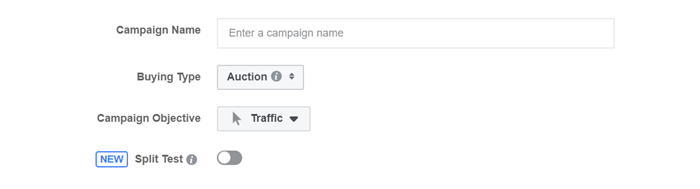
Select your Campaign Objective. The choices, grouped into three categories, are:
- Awareness
- Consideration
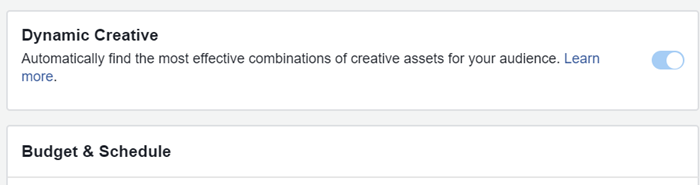
- Conversion The selection depends on your specific business goals and strategy. The example discussed later used a Conversion Optimized campaign. Now, create your dynamic ad set. First, choose the Conversion for Facebook to optimize. This could be an action on your website, in your app, or within Facebook Messenger. The most crucial step is enabling the Dynamic Creative feature. This option is located between the Conversion and Budget & Schedule tiles:
Set your budget and schedule as usual, then proceed to the Audience tile to define your targeting. Facebook offers numerous powerful options. Starting broad is recommended to provide Facebook’s algorithm with sufficient optimization data. Finding the sweet spot between audience size and budget is key to maximizing results.
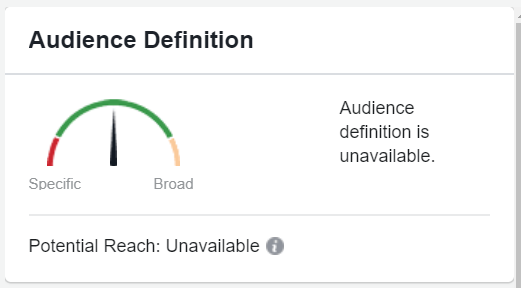
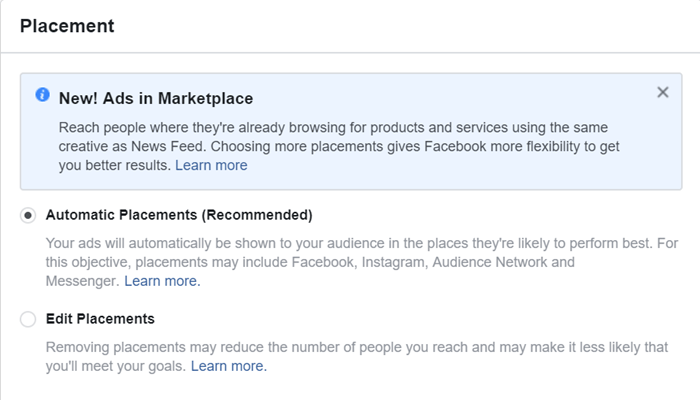
I use the Audience Definition gauge (shown above) on the right side to determine if adjustments to targeting and budget are needed. This helps identify if the audience is too small before launch. After choosing your targeting, define your desired placements: Facebook, Instagram, Audience Network, and Messenger. Choosing Automatic Placements is recommended to provide the Dynamic Ad set with maximum options. Optimize after gathering enough impressions for data-driven adjustments.
With your new ad set ready, start creating your dynamic ad. (And for those on a tight budget, check out our amazing guide on essential Facebook optimizations for advertisers!)
How to Ensure Great Dynamic Ad Creative
Ad creation is where the fun begins. Combine your top-performing Ad Titles, Ad Text, Images, Ad Descriptions, and CTAs, and let Facebook determine the best combination. Similar to a standard Facebook ad, use the Ad creation workflow to import your image creative, destination URL, text, and CTA. The difference is the ability to add up to five variations of these elements simultaneously.
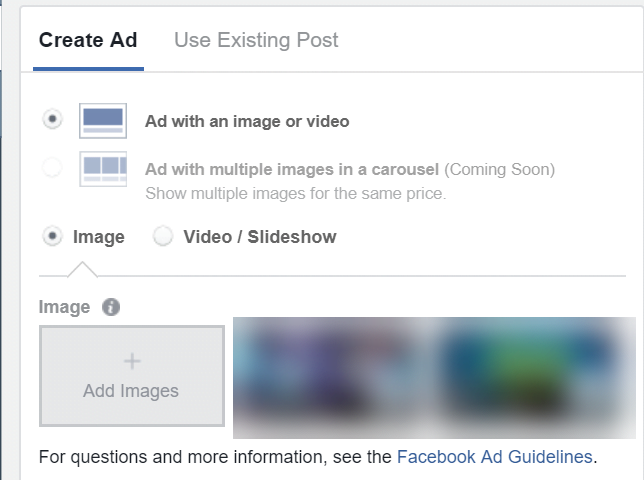
To add more variations, click the +Add button. Input up to five variations of each asset, adhering to Facebook’s creative guidelines. For a refresher on ad specifications, visit here.
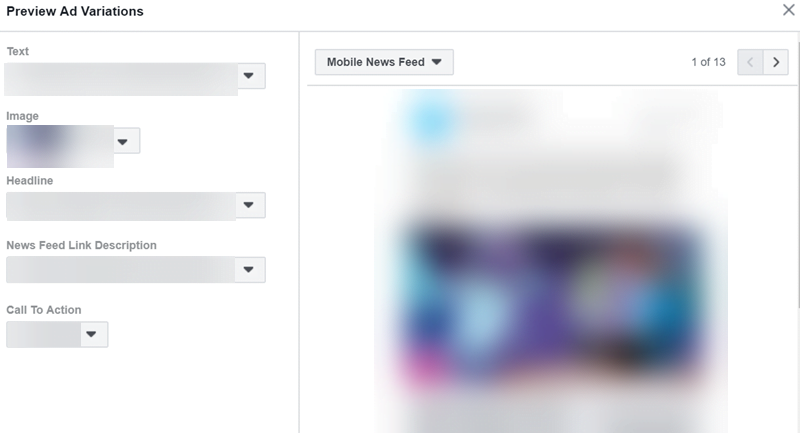
After adding your creative, preview different variations of your dynamic ad by selecting the Preview Ad button. This helps visualize potential ad appearances before launch and ensures your copy combinations make sense. To analyze performance by Dynamic Creative asset, go to the ads tab and use the breakdown dropdown.
This allows you to replicate successful elements in your next ad.
Facebook Ads Dynamic Creative: The Results
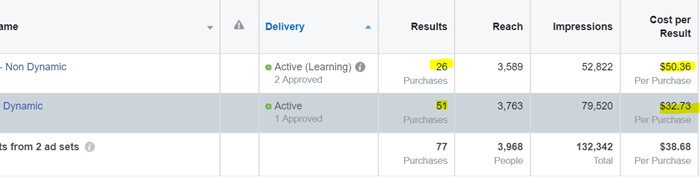
To gauge this campaign’s effectiveness, we created a control ad set with identical targeting but using a single, static ad. While creating two ad sets targeting the same audience is not generally recommended (to avoid audience overlap and increased costs), we did so for this experiment to ensure a fair comparison. It’s worth noting that the dynamic ad set took longer to gain traction. However, once Facebook optimized for the best combination, the results surpassed the static counterpart. We ran the experiment for over 30 days for accurate performance assessment. Our test showed 60% more conversions from the dynamic creative ad set compared to the standard version. Efficiency also improved, with a 55% lower cost-per-conversion for ads using dynamic creative. An interesting observation was the difference in Ad Frequency. While CPM was 12% lower in the Dynamic Ad Set, the frequency of its display was 45% higher than the standard ad set. It’s plausible that dynamic ads are less prone to ad fatigue over time compared to standard ads. This allows the algorithm to serve one of the combinations more frequently, potentially increasing the likelihood of the desired user action. To view performance by Dynamic Creative asset, go to the ads tab and use the breakdown dropdown.
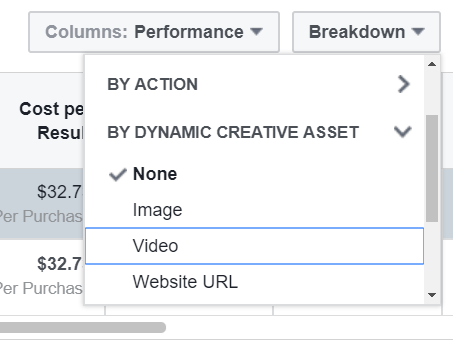
This allows you to replicate successful elements in your next ad. *** Have you tried dynamic Facebook ad creative? Did you observe similar results? Share your thoughts in the comments below. As always, happy testing!