The most recent version of Java, Java 8](http://www.oracle.com/technetwork/java/javase/overview/java8-2100321.html), came out over a year ago. While many companies and [developers continue to use older versions, which makes sense given the challenges of upgrading, some are even starting new projects with outdated versions. This is often unnecessary, as Java 8 introduced significant enhancements.
This article will delve into several new features in Java 8, highlighting some of the most practical and intriguing ones:
- Lambda expressions
- Stream API for collection manipulation
- Asynchronous task chaining with
CompletableFuture - A new Time API
Lambda Expressions
In essence, a lambda is a block of code that can be referenced and passed around for later execution, potentially multiple times. They are similar to anonymous functions found in other languages. Like functions, lambdas can accept arguments during execution, which can modify their output. Java 8 introduced lambda expressions, providing a streamlined syntax for creating and using lambdas.
To illustrate their benefits, let’s examine a straightforward comparator that compares two Integer values based on their modulo 2:
| |
An instance of this class could be used later in code where this comparison logic is needed, like so:
| |
The new lambda syntax simplifies this process. Here’s a concise lambda expression achieving the same outcome as the compare method in BinaryComparator:
| |
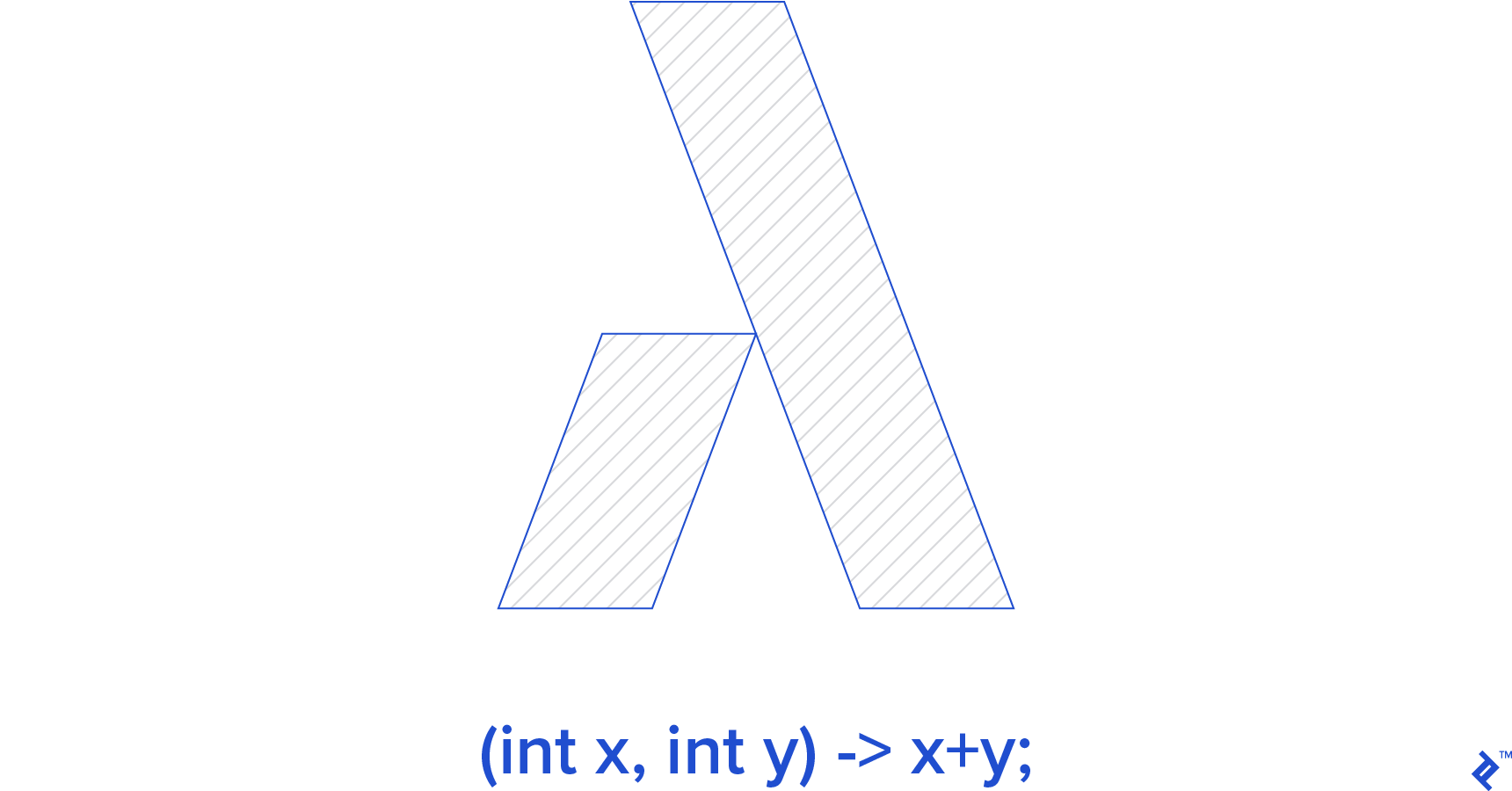
This structure resembles a function. Arguments are defined within parentheses, the -> syntax denotes a lambda, and the right side defines the lambda’s behavior.
Let’s refine our previous example:
| |
We can store this object in a variable:
| |
Now, we can reuse this functionality:
| |
Observe how the lambda is passed to the sort() method, just like the BinaryComparator instance in the earlier example. How does the JVM interpret the lambda correctly?
Java 8 introduces the concept of a functional interface to enable functions to accept lambdas as arguments. A functional interface has only one abstract method. Notably, Java 8 treats lambda expressions as specialized implementations of functional interfaces. Therefore, to receive a lambda as an argument, the argument’s declared type only needs to be a functional interface.
When defining a functional interface, we can use the @FunctionalInterface annotation for clarity:
| |
Now, we can call the sendDTO method with different lambdas for different behaviors:
| |
Method References
Lambda arguments empower us to modify a function’s or method’s behavior. As seen in the last example, sometimes a lambda simply calls another method (sendToAndroid or sendToIos). Java 8 introduces a convenient shorthand for this specific case: method references. This concise syntax, in the form of objectName::methodName, represents a lambda that calls a method. We can now make the previous example even more succinct:
| |
Here, the sendToAndroid and sendToIos methods are implemented within the current class. We could also reference methods from other objects or classes.
Stream API
Java 8 introduces the Stream API, bringing new capabilities for working with Collections. This new functionality, provided by the java.util.stream package, aims to enable a more functional approach to collection manipulation. As we’ll see, this is largely possible due to the new lambda syntax.
The Stream API simplifies tasks like filtering, counting, and mapping collections, along with providing ways to extract slices and subsets of data. Thanks to its functional-style syntax, it allows for shorter and more elegant code when working with collections.
Let’s begin with a brief example. We’ll use this data model throughout:
| |
Imagine we need to print all authors from a books collection who published a book after 2005. In Java 7, it might look like this:
| |
In Java 8, it becomes:
| |
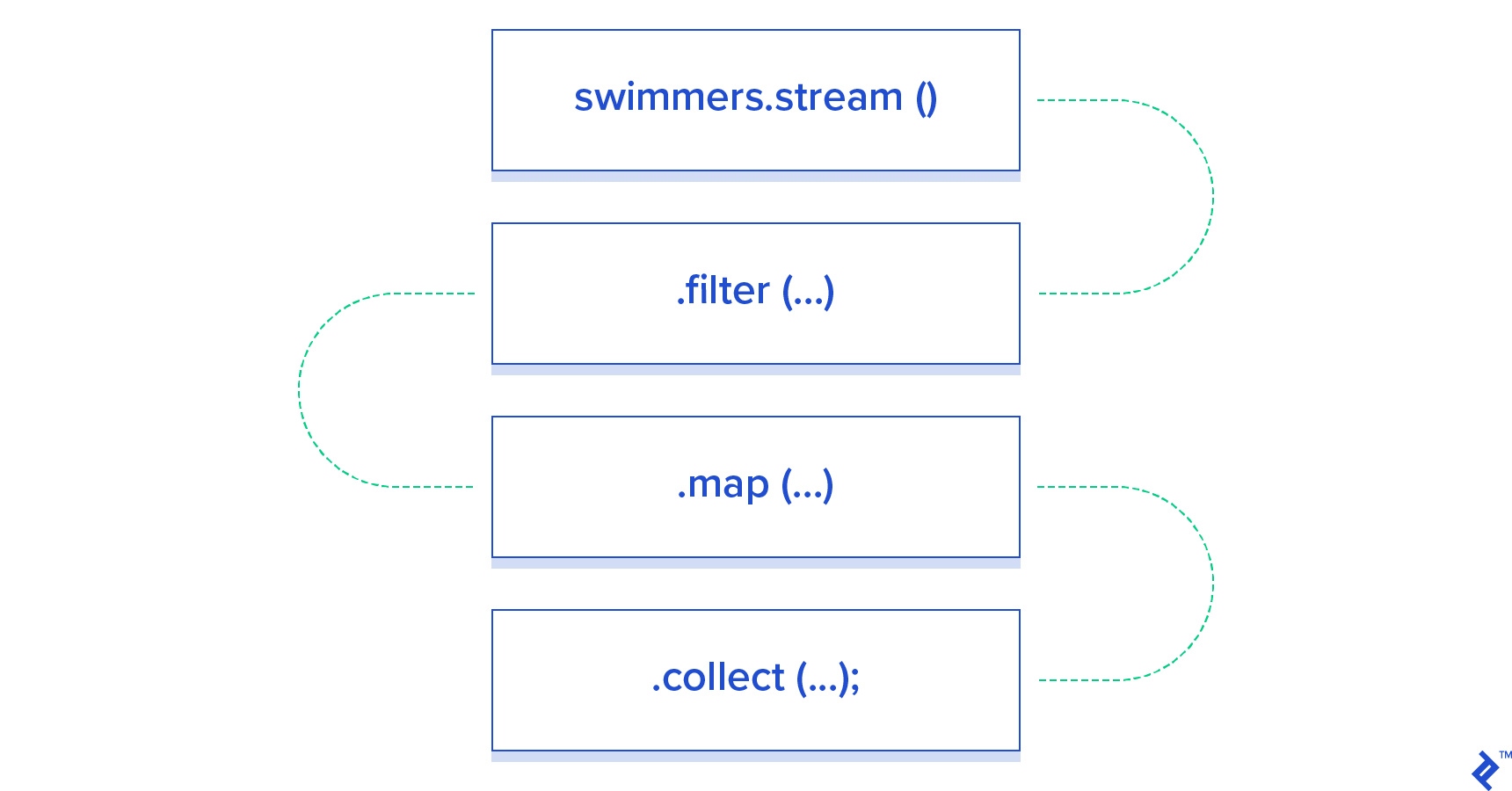
Just one expression! The stream() method, available on any Collection, returns a Stream object representing all elements. This stream can be manipulated using various Stream API modifiers like filter() and map(). Each modifier returns a new Stream with the modified results, enabling further manipulation. The .forEach() method lets us perform an action for each element in the resulting stream.
This example highlights the connection between functional programming and lambdas. Notice that the arguments passed to stream methods are either custom lambdas or method references. Technically, each modifier can accept any functional interface, as discussed earlier.
The Stream API offers a fresh perspective on Java collections. Suppose we need a Map of available languages in each country. In Java 7:
| |
In Java 8:
| |
The collect() method allows us to collect stream results in various ways. Here, we group by country and then map each group by language. (groupingBy() and toSet() are static methods from the Collectors class.)
The Stream API offers numerous other features. For a comprehensive understanding, refer to the documentation here. Exploring this package further will unveil its powerful tools.
Asynchronous Task Chaining with CompletableFuture
Java 7’s java.util.concurrent package includes the Future<T> interface, which lets us retrieve the status or result of an asynchronous task in the future. To utilize this, we need to:
- Create an
ExecutorServiceto manage asynchronous task execution, generatingFutureobjects for tracking. - Create an asynchronous
Runnabletask. - Execute the task in the
ExecutorService, obtaining aFuturefor status/result access.
Using asynchronous task results involves external monitoring via the Future interface and explicit result retrieval for further actions once ready. This can be error-prone, especially in applications with many concurrent tasks.
Java 8 enhances the Future concept with the CompletableFuture<T> interface, enabling the creation and execution of asynchronous task chains. This powerful mechanism facilitates asynchronous Java 8 applications by automatically processing each task’s results upon completion.
Here’s an example:
| |
CompletableFuture.supplyAsync creates a new asynchronous task in the default Executor (usually ForkJoinPool). Upon completion, results are automatically passed to this::getLinks, also running asynchronously. Finally, the second stage’s results are printed to System.out. thenApply() and thenAccept() are just two of several useful methods for building concurrent tasks without manually managing Executors.
CompletableFuture simplifies complex asynchronous operation sequencing. Consider a multi-step mathematical operation with three tasks. Task 1 and task 2 use different algorithms for the first step, with only one guaranteed to work (depending on unknown input data). Their result must be summed with task 3’s result. We need either task 1 or task 2’s result, and task 3’s result. Here’s how we can achieve this:
| |
Analyzing Java 8’s handling, we’ll see all three tasks run concurrently. Despite task 2 failing, the final result is computed and printed successfully.
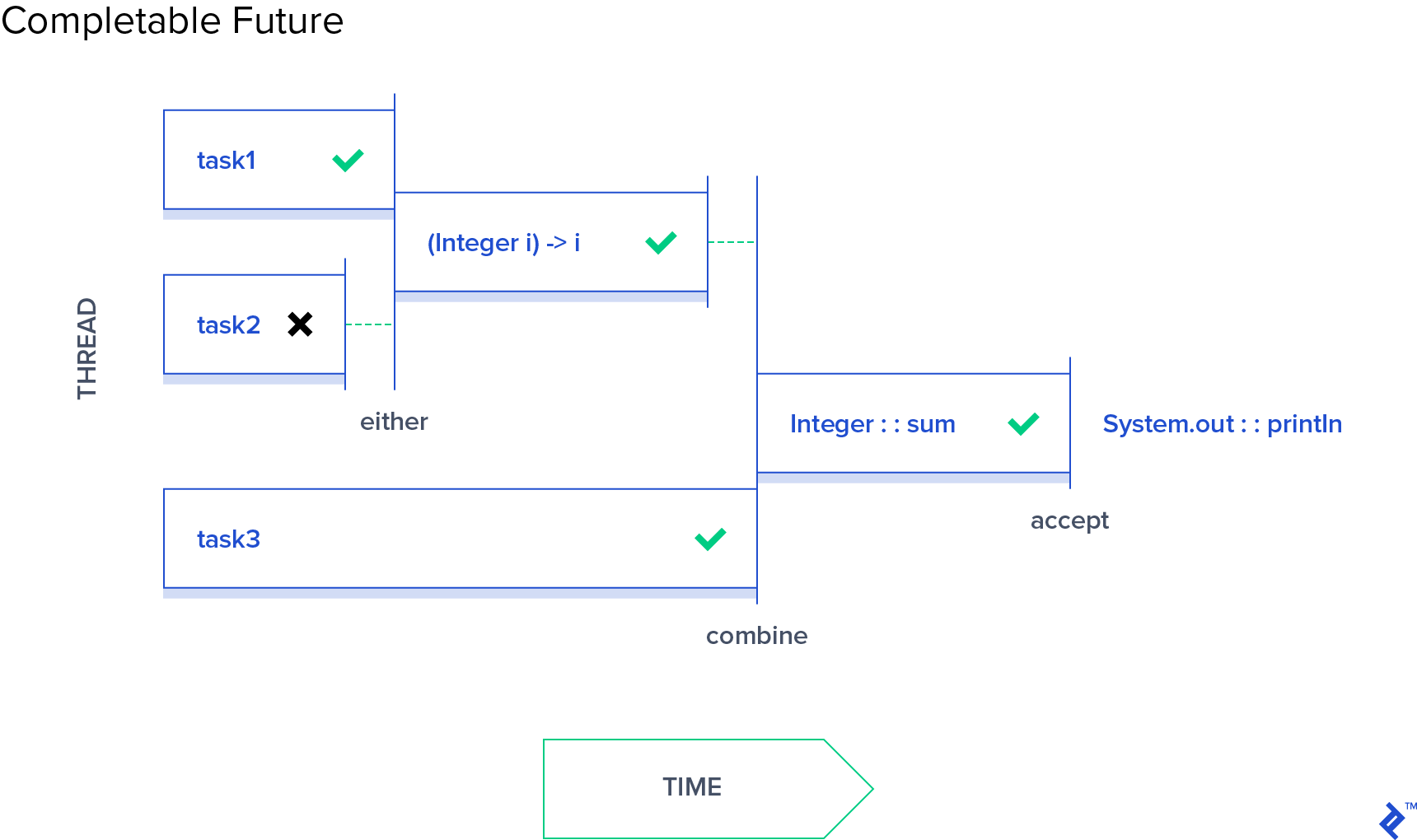
CompletableFuture streamlines multi-stage asynchronous task building and provides a clear interface for defining actions upon each stage’s completion.
Java Date and Time API
Java’s own admission states:
Before Java SE 8, date and time handling relied on
java.util.Date,java.util.Calendar, andjava.util.TimeZoneclasses, along with subclasses likejava.util.GregorianCalendar. These had drawbacks:
Calendarlacked type safety.- Mutability made them unsuitable for multithreaded applications.
- Unconventional month numbering and lack of type safety led to code errors.
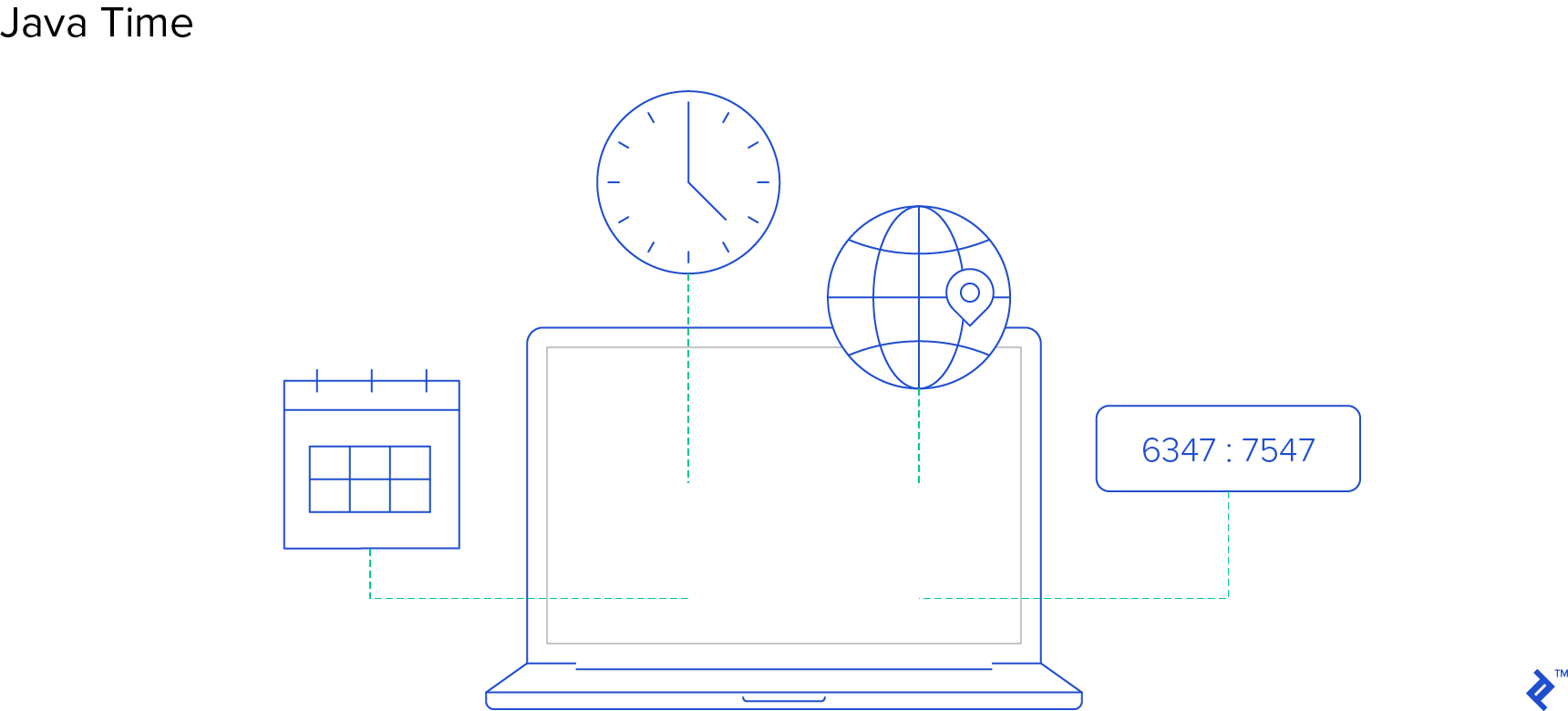
Java 8 addresses these issues with the new java.time package, containing immutable date and time classes with APIs similar to the popular Joda-Time framework, often preferred over the native Date, Calendar, and TimeZone.
Useful classes in this package include:
Clock- Retrieves current time, instant, date, and time with time zone.DurationandPeriod- Represent time durations.Durationuses time-based units (e.g., “76.8 seconds”), whilePerioduses date-based units (e.g., “4 years, 6 months, 12 days”).Instant- Represents a specific point in time.LocalDate,LocalDateTime,LocalTime,Year,YearMonth- Represent date, time, year, month, or combinations without time zones, following the ISO-8601 calendar system.OffsetDateTime,OffsetTime- Represent date and time with UTC/Greenwich offsets (e.g., “2015-08-29T14:15:30+01:00”).ZonedDateTime- Represents date and time with associated time zones (e.g., “1986-08-29T10:15:30+01:00 Europe/Paris”).
To find relative dates like “first Tuesday of the month,” java.time provides the TemporalAdjuster class. TemporalAdjuster offers static methods for:
- Finding the first/last day of the month.
- Finding the first/last day of the next/previous month.
- Finding the first/last day of the year.
- Finding the first/last day of the next/previous year.
- Finding the first/last specific weekday within a month (e.g., “first Wednesday in June”).
- Finding the next/previous specific weekday (e.g., “next Thursday”).
Here’s how to get the first Tuesday of the month:
| |
Java 8 in Summary
Java 8 marks a significant milestone with numerous language changes, notably the introduction of lambdas, embracing functional programming concepts. The Stream API exemplifies how lambdas can transform our interaction with familiar Java tools.
Furthermore, Java 8 enhances asynchronous programming and revamps date and time handling.
Collectively, these changes signify a substantial leap forward, making Java development more engaging and efficient.