For iOS developers with UI experience, UIKit’s animation capabilities are truly remarkable. Animating a UIView is incredibly straightforward, whether it’s fading, rotating, moving, or resizing. However, things become a bit more complex when you need to link animations together and establish dependencies between them. Your code might become verbose and difficult to follow, with numerous nested closures and indentation levels.
This article will demonstrate how to leverage the capabilities of a reactive framework like RxSwift to make your animation code significantly cleaner, more readable, and easier to understand. This idea struck me while working on a client project. This particular client had a keen eye for UI design (which aligned perfectly with my passion) and desired specific UI interactions with numerous polished transitions and animations. One concept involved creating an app introduction that conveyed its essence through a series of animations instead of a pre-rendered video, allowing for easy modifications and adjustments. RxSwift proved to be an ideal solution for this challenge, as I believe you’ll discover by the end of this article.
A Brief Overview of Reactive Programming
Reactive programming is gaining widespread adoption and has been integrated into most modern programming languages. Countless books and online articles delve into why reactive programming is such a potent concept and how it promotes sound software design by enforcing specific design principles and patterns. It provides tools that can substantially reduce code clutter.
I want to highlight one aspect I particularly appreciate—the straightforward way it allows you to chain asynchronous operations and express them in a declarative, readable manner.
In the realm of Swift, two prominent frameworks facilitate reactive programming: ReactiveSwift and RxSwift. I’ll be using RxSwift in my examples, not because it’s superior, but due to my familiarity with it. I’ll assume you’re also acquainted with it, allowing us to dive directly into the core concepts.
Chaining Animations: The Traditional Approach
Suppose you want to rotate a view by 180 degrees and subsequently fade it out. Utilizing the completion closure, you might do something like this:
| |
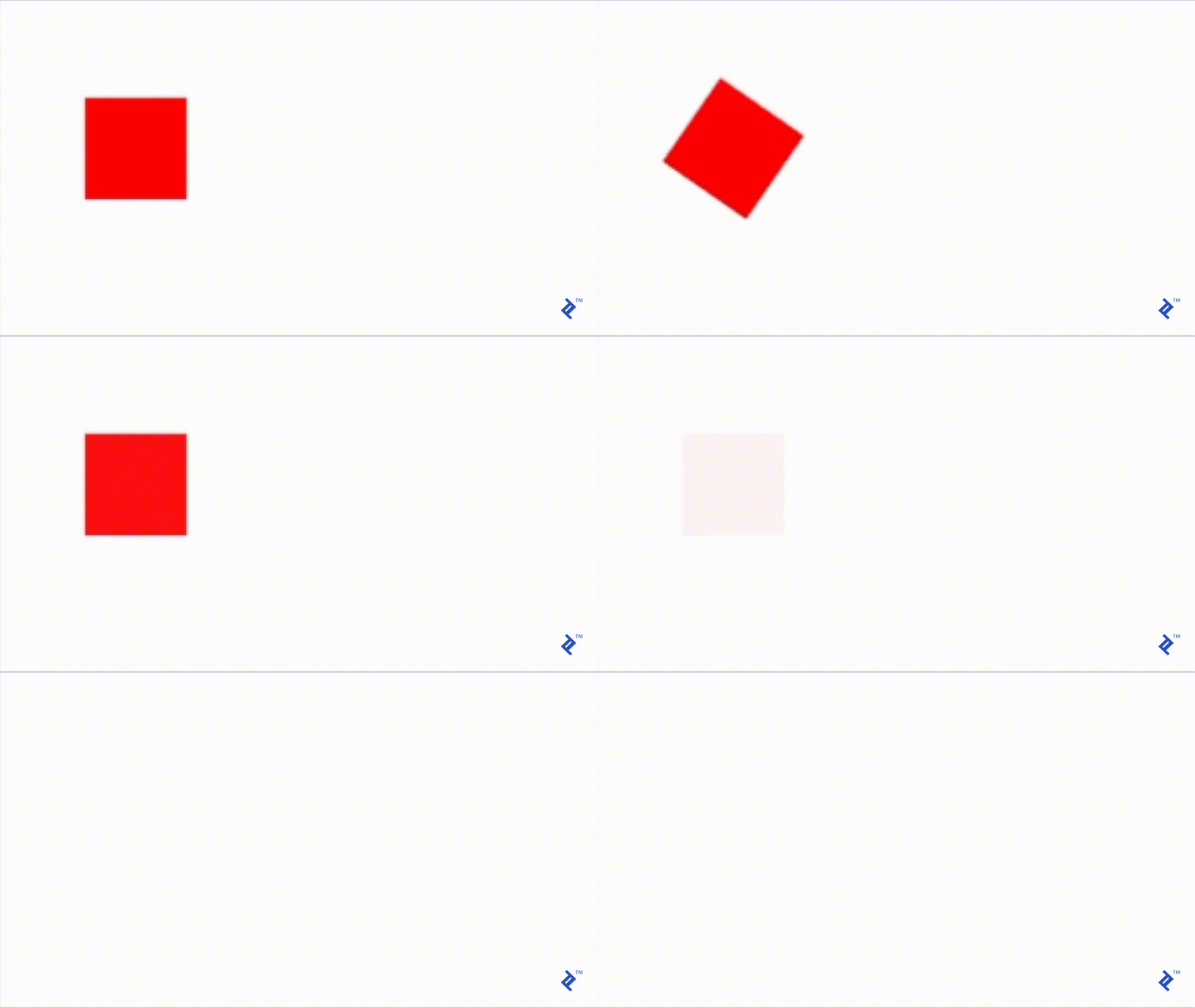
It’s a bit clunky but manageable. However, imagine adding another animation in between, such as shifting the view to the right after rotation and before fading. Using the same method, you’d end up with code resembling this:
| |
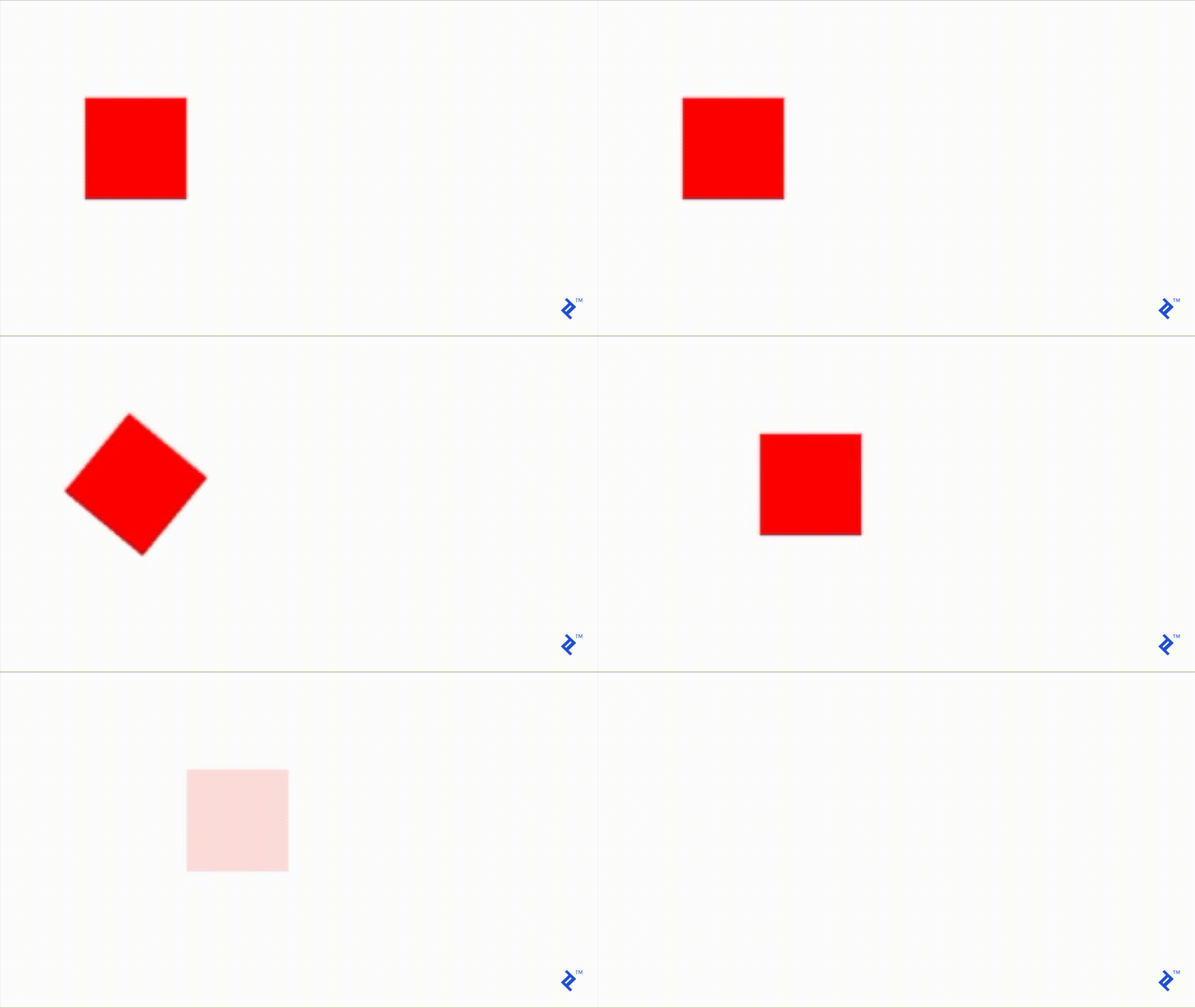
The more steps you incorporate, the more intricate and unwieldy it becomes. Modifying the sequence of these steps would necessitate some cumbersome cut-and-paste operations, increasing the likelihood of errors.
Recognizing this, Apple offers an alternative solution using a keyframe-based animations API. With this approach, the previous code could be rewritten as:
| |
This represents a significant improvement, offering key advantages:
- Code remains streamlined irrespective of the number of steps.
- Reordering steps is simple (with one caveat mentioned below).
The downside is the need to think in terms of relative durations. Altering the absolute timing or order of steps becomes less intuitive. Consider the calculations and adjustments to overall and relative durations/start times needed if you wanted the view to fade within 1 second instead of half a second while maintaining everything else. The same complexity arises when reordering steps—you’d have to recalculate relative start times.
Considering these drawbacks, I find none of these approaches entirely satisfactory. An ideal solution should meet these criteria:
- Code should remain concise regardless of the number of animation steps.
- Adding, removing, reordering animations, and adjusting their durations independently should be effortless, without affecting other animations.
Chaining Animations: The RxSwift Approach
I’ve found that employing RxSwift allows me to fulfill both criteria effectively. RxSwift isn’t the sole framework for this purpose—any promise-based framework enabling you to encapsulate asynchronous operations within methods that can be syntactically chained without relying on completion blocks would suffice. However, RxSwift offers a broader range of operators, which we’ll explore later.
Here’s the gist of my approach:
- Encapsulate each animation within a function that returns an observable of type
Observable<Void>. - This observable will emit a single element before completing the sequence.
- The element will be emitted upon completion of the animation encapsulated by the function.
- Chain these observables together using the
flatMapoperator.
Here’s how my functions might appear:
| |
And here’s how to combine them:
| |
While this may seem like overkill for a simple animation sequence compared to previous implementations, the elegance lies in its extensibility to handle complex sequences and its declarative syntax, making it remarkably readable.
Once accustomed, you can create animations as intricate as a movie, with a wide array of RxSwift operators at your disposal. These operators simplify tasks that would be challenging using previous methods.
For instance, the .concat operator further streamlines the animation chaining:
| |
Inserting delays between animations is straightforward:
| |
Now, let’s say you want the view to rotate multiple times before moving and need an easy way to control the rotation count.
Start by creating a method that repeats a rotation animation continuously, emitting an element after each rotation. The goal is to stop these rotations when the observable is disposed of. This can be achieved as follows:
| |
The streamlined animation chain now looks like this:
| |
Controlling the view’s rotation count is as simple as adjusting the value passed to the take operator.
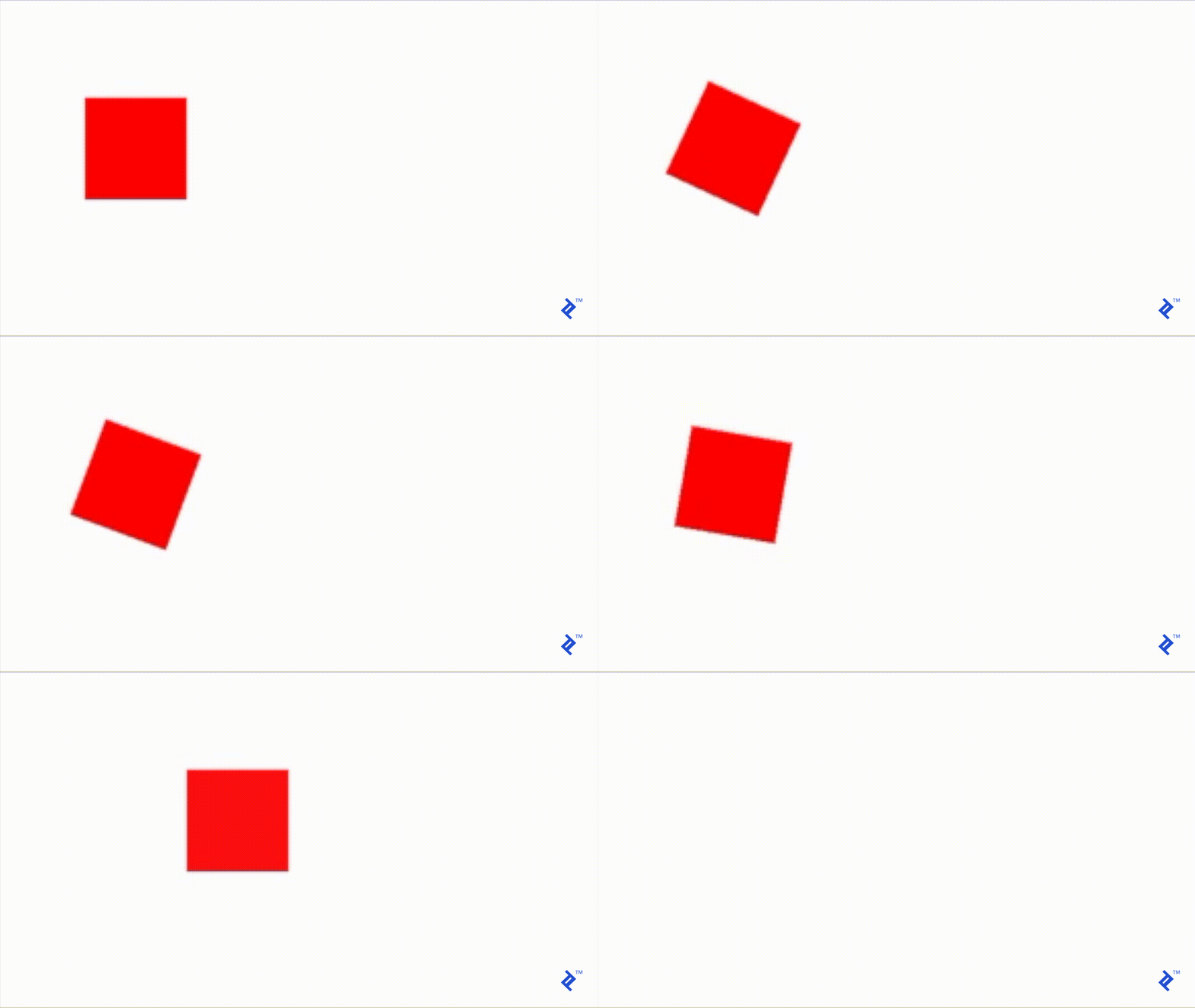
Taking the implementation further, wrap each animation function within a “Reactive” extension of UIView (accessible via the .rx suffix). This aligns with RxSwift conventions, where reactive functions typically reside under the .rx suffix, signifying their return of an observable.
| |
With this, you can combine them as follows:
| |
Moving Forward
This article demonstrates how unlocking RxSwift’s potential, once you have your fundamental elements in place, transforms animations into an enjoyable experience. Your code becomes clean, readable, and less like “code.” You’re essentially “describing” the arrangement of animations, and they seamlessly come to life!
To achieve something more elaborate, simply add more custom primitives encapsulating other animation types. You can also leverage the ever-expanding collection of tools and frameworks developed by passionate individuals within the open-source community.
For RxSwift enthusiasts, make sure to frequent the RxSwiftCommunity repository—there’s always something new to discover!
For further UI guidance, consider exploring How to Implement a Pixel-perfect iOS UI Design by fellow Toptaler Roman Stetsenko.
Source Notes (Understanding the Basics)