Creating engaging Instagram videos is a highly effective marketing strategy. With lengths ranging from 3 to 60 seconds, these videos can be shared directly from your phone or transferred from other devices. This flexibility allows for diverse video content to boost your Instagram marketing.
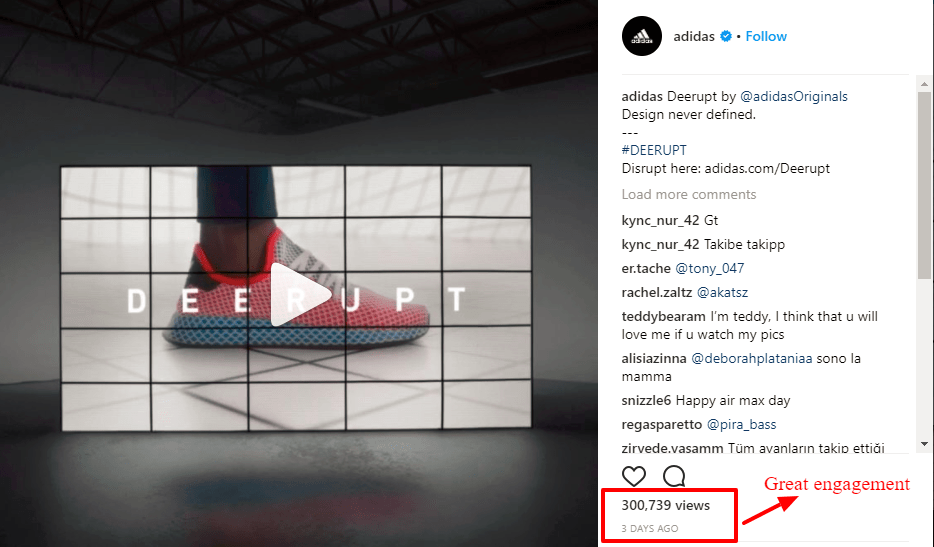
Videos are gaining popularity on Instagram because they offer a simple and attractive way for brands to market and showcase their products. Additionally, Instagram Live is also gaining momentum. However, success on Instagram isn’t just about uploading a video. This guide provides practical advice for planning, filming, and lighting your Instagram videos to improve quality, views, and engagement. We’ll also explore various Instagram video content types. As with all Instagram marketing efforts, a clear goal and well-developed plan are crucial for video success.
Define clear objectives
Telling a compelling story within a minute can be difficult, making planning and staging crucial. Before starting, define your video’s purpose. Is it to gain followers, connect with existing ones, or drive website traffic?
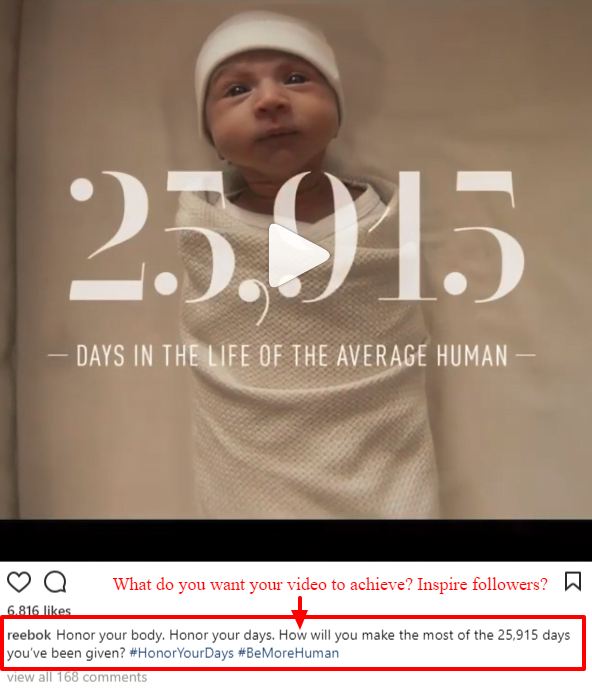
Be precise. Your video’s tone and style depend on your desired outcome.
Craft a narrative
To capture attention, your video should tell a story. While a storyboard isn’t mandatory, planning ensures optimal use of every second. For effective time management, structure your story in three parts – beginning, middle, and end – with a defined duration for each.
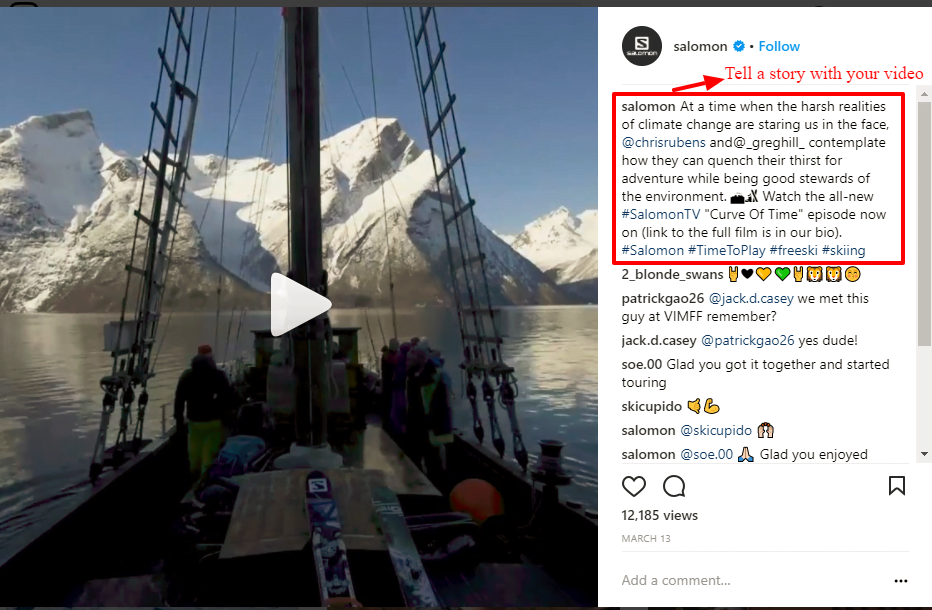
Since Instagram videos auto-play in feeds, start with an attention-grabbing scene to stand out and engage viewers. Ensure your story has a middle and an end. Conclude with a call to action, prompting viewers to engage with your content or brand. Remember, Instagram videos are muted by default, so on-screen captions are beneficial.
Illuminating your video
Professional lighting equipment isn’t essential for great visuals. Follow these guidelines to enhance video quality, particularly for “talking head” or portrait-style videos. Embrace natural light. If your space has windows, position yourself nearby, facing the light source.
Avoid overhead lights. They can create unflattering effects. Explore alternative sources and reposition your subject for optimal lighting. Get resourceful! Improve inadequate lighting by using white poster board or paper as reflectors or black plastic to block unwanted light.
Filming your video
Start by choosing your camera – your smartphone or a DSLR is recommended over the Instagram app’s camera due to its limitations. Then, begin shooting! Here are tips for filming Instagram videos, especially on your phone. Portrait or landscape mode works. Instagram no longer crops videos into squares, so either orientation will fit the frame. Maintain focus on your subject. Tap your smartphone screen to focus on specific areas, like your subject’s face.

Ensure a steady shot. Avoid shaky footage by stabilizing your elbows on a surface or using a tripod for DSLR cameras. Be selective. With a one-minute limit, choose your shots wisely. Consider the popularity of company culture content and plan videos around events for authenticity.
Instagram video examples: Selecting your content
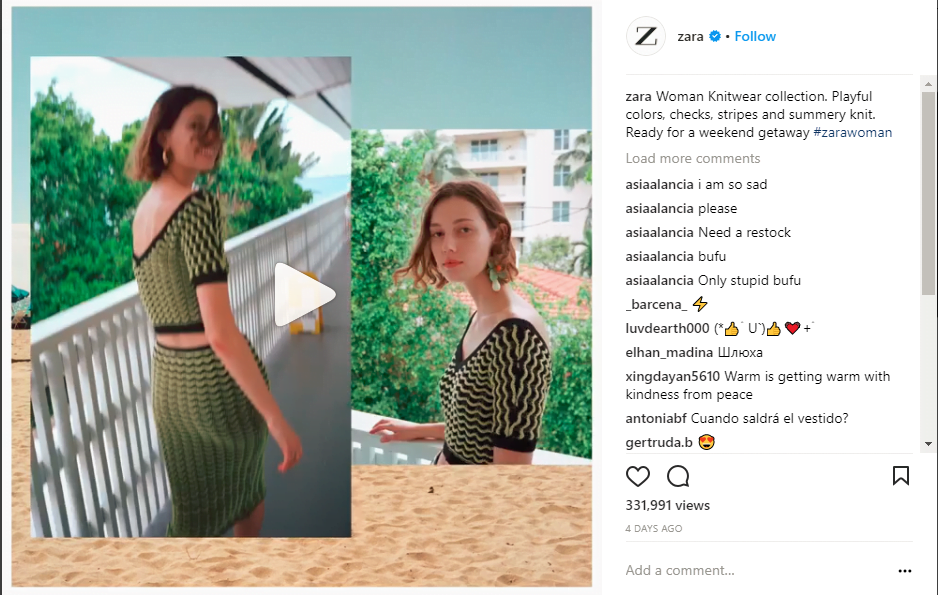
Content type should align with your brand image, aesthetic, products, and story. Brainstorm ideas considering the subject and format that best conveys your message. Consistency is key, so ensure the video reflects your brand’s tone. Here are some content types to consider:
Product showcases
Highlight your products’ uniqueness.

Sharing product videos weekly complements lifestyle posts and provides insights into your brand.
Product in action
Engage your audience by showcasing products in real-life scenarios instead of static images. For instance, compare a waterproof jacket’s stock photo to a video of someone wearing it while climbing a mountain in the rain.
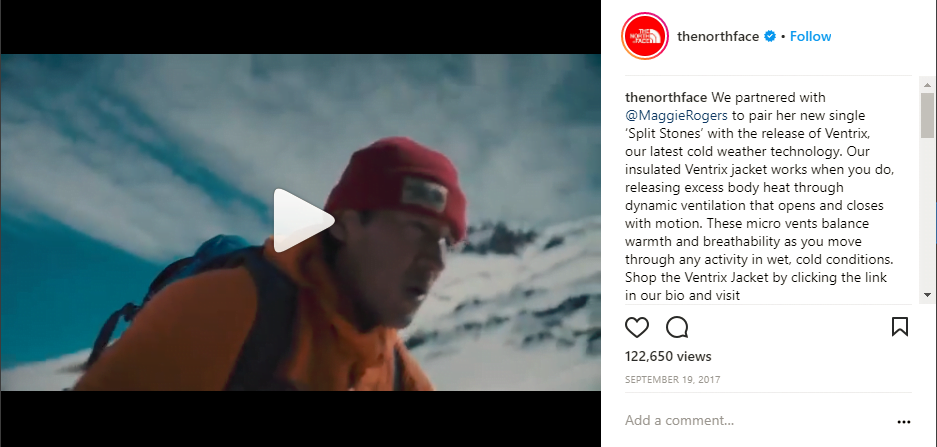
Consider your target audience’s aspirations when creating these videos to evoke the desired feeling.
Sneak peeks
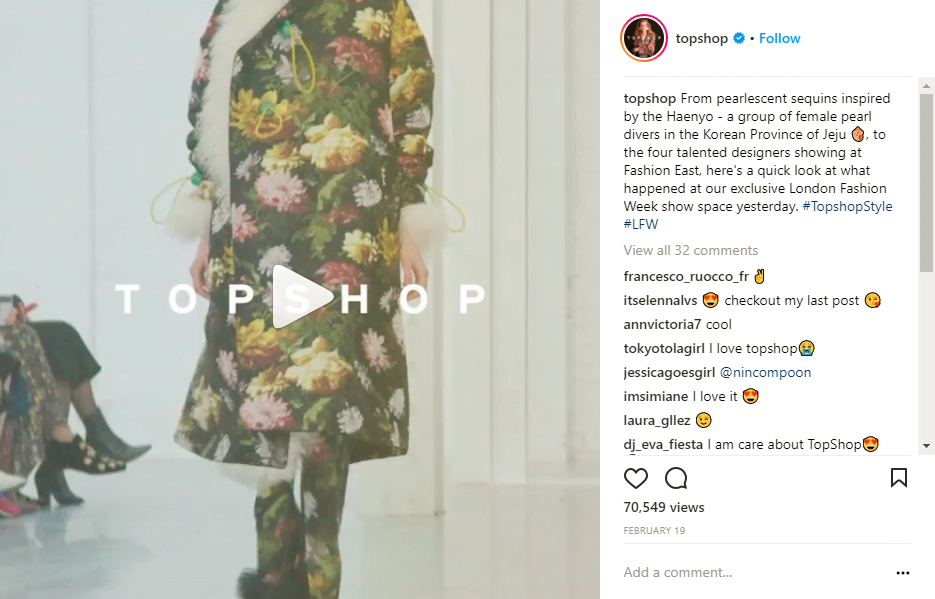
Generate excitement for new releases with teaser videos. This builds anticipation and keeps your product top-of-mind before launch.
Behind the scenes
Connect with your audience personally by offering glimpses into your brand’s operations, team, and values.
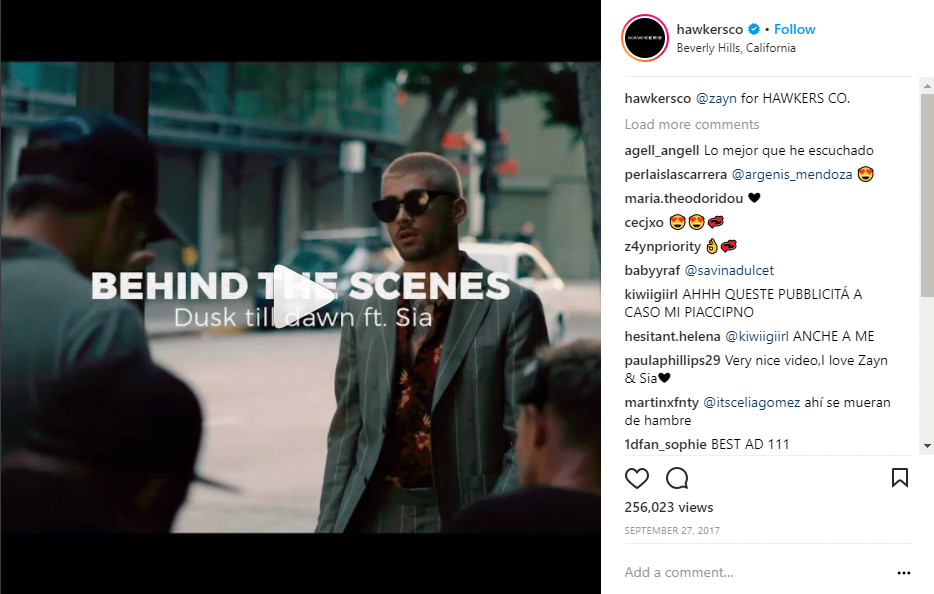
Consider these BTS themes:
- Office, studio, or factory tour.
- Staff introductions.
- Event coverage.
- Work in progress footage.
- A day in the life.
Tutorials
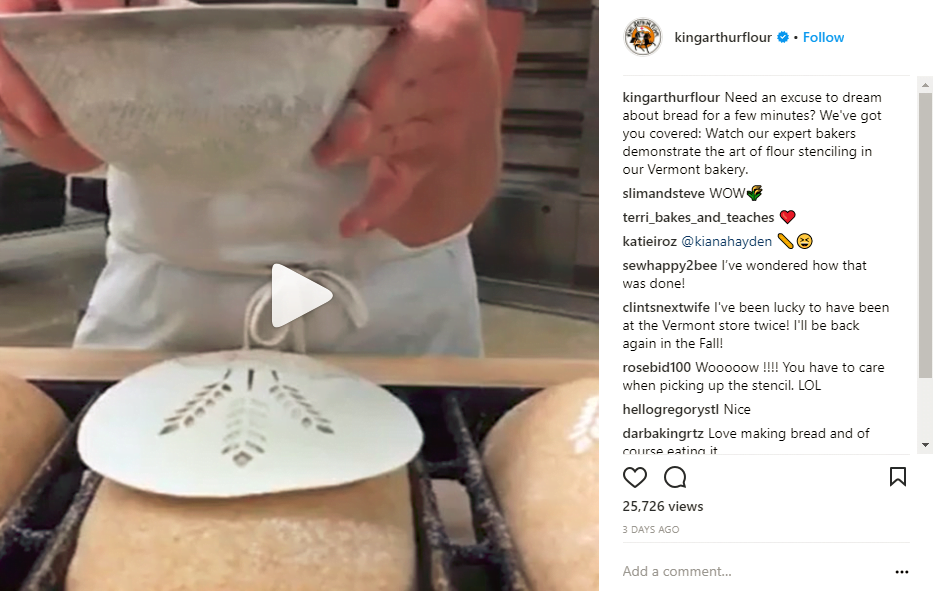
Drive purchases with engaging and informative videos demonstrating product usage.
Series
For content exceeding one minute, create episodic series to engage viewers and keep them returning for the next installment.
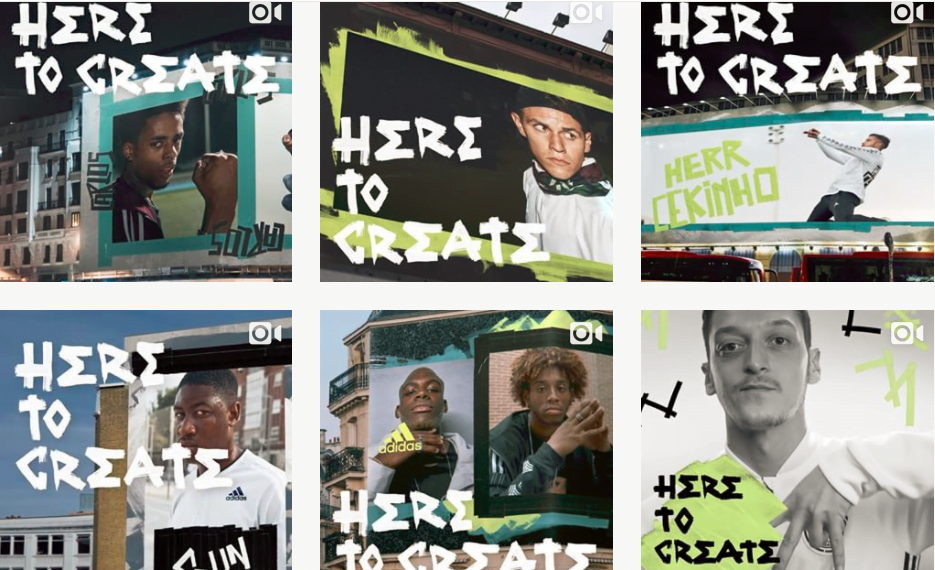
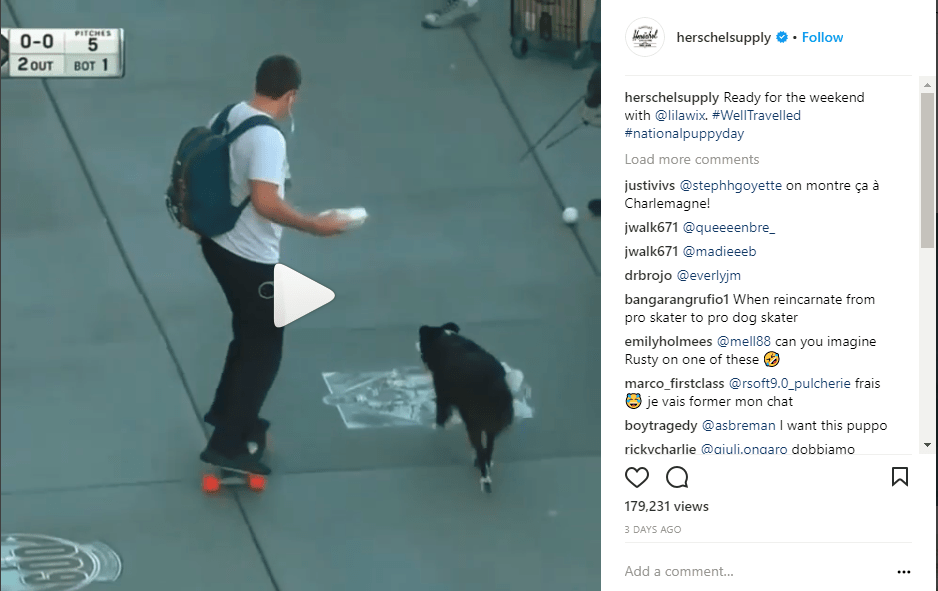
Looping videos
Utilize Instagram’s looping feature to highlight captivating product features, similar to Vine.
Stop motion videos
Create these easily using editing apps like Stop Motion Studio for iPhone or PicPac Stop Motion & TimeLapse for Android.
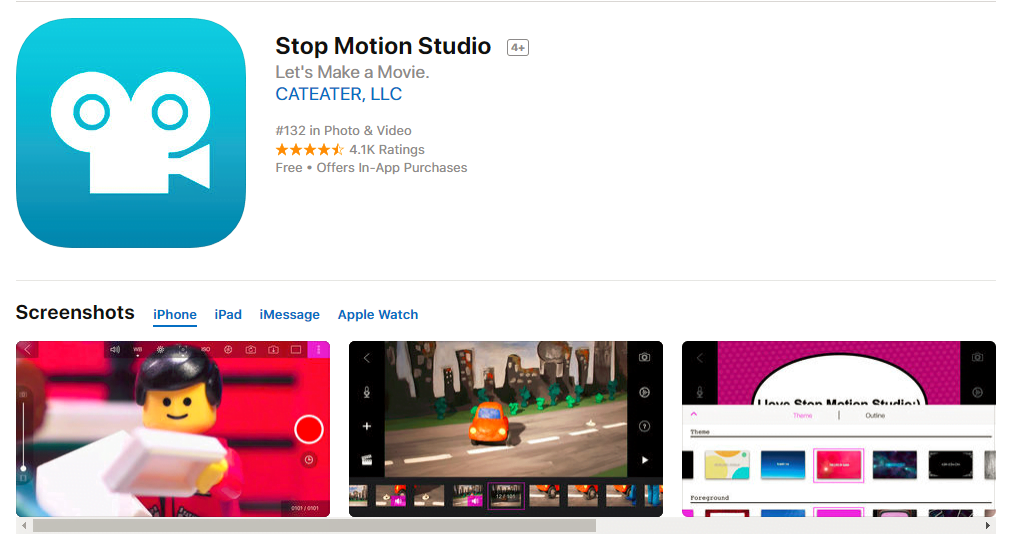
Capture individual frames with your camera, upload them to the app, and let it guide you.
Time-lapse videos
Ideal for scenes with constant movement, iPhone users can record these directly. Android users can utilize apps like Lapse It or TimeLapse.
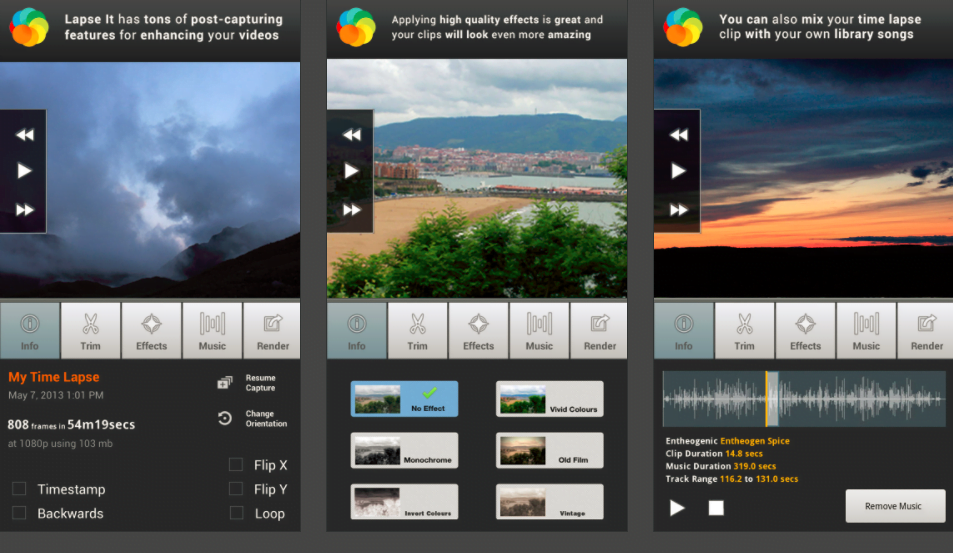
Time-lapse videos condense time, requiring longer recording durations. Use a tripod, lock focus and exposure, and enable airplane mode on phones to avoid interruptions.
Hyperlapse videos
Condense footage into short, engaging videos while catering to shorter attention spans.
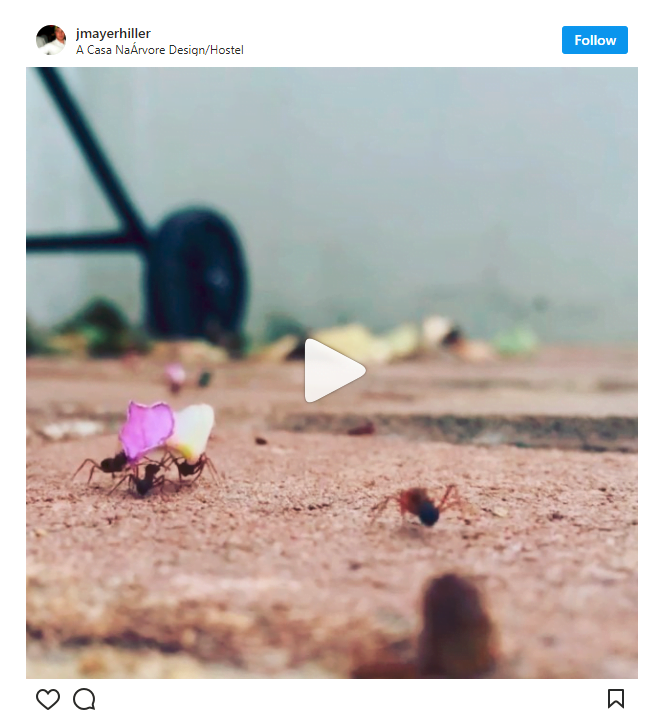
While not available directly on phone cameras, download the free Instagram Hyperlapse app, which offers stabilization for smoother footage.
Conclusion
Numerous video content types can boost viewership and enhance your Instagram presence, contributing to a successful video marketing strategy. Remember to plan, set goals, create visually appealing content, and consider your audience’s preferences. Follow these tips, and you’ll be creating compelling video content in no time.