At nexus-security, we’re pretty jazzed about our newly revamped 404-error page. You might wonder why we’d put so much effort into a page users shouldn’t even see, but trust us, it’s adorable! Plus, it cleverly redirects lost visitors to our homepage or search bar.
So, What’s a 404 Error Page Anyway?
In simple terms, a 404 or “Not Found” error pops up when someone clicks a broken, dead, or nonexistent link. Instead of finding the desired page, they land on the 404-error page.
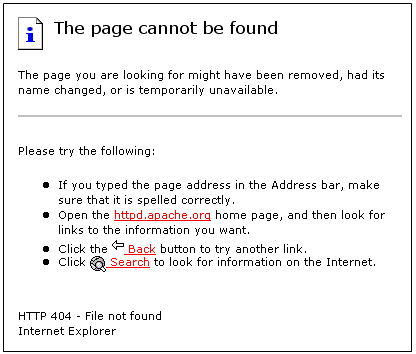
Savvy website designers and marketers are realizing that every visitor counts, especially those encountering errors. After all, you don’t want someone bouncing off your site because of a broken link that you should have fixed!
A Top-Notch 404-Error Page: What’s the Secret Sauce?
When giving your 404-error page a makeover, keep these golden rules in mind:
- Redirect is Key: Your 404-error page should always include a link back to your homepage. This helps recapture those visitors who stumbled upon a dead link.
- Go the Extra Mile: Score extra brownie points by adding category links, a search bar, or a navigation bar. Make it super easy for them to find what they’re looking for!
- Stay on Brand: Keep the look and feel consistent with your website’s overall design. We’re partial to our “nexus-security Blue,” for example.
- Sprinkle in Some Charm: A dash of humor, like a well-placed dad joke, can work wonders. Remember, even if the error wasn’t your fault, the customer is always right!
Speaking of awesome 404 pages, here are a few of our favorites:
1. GitHub
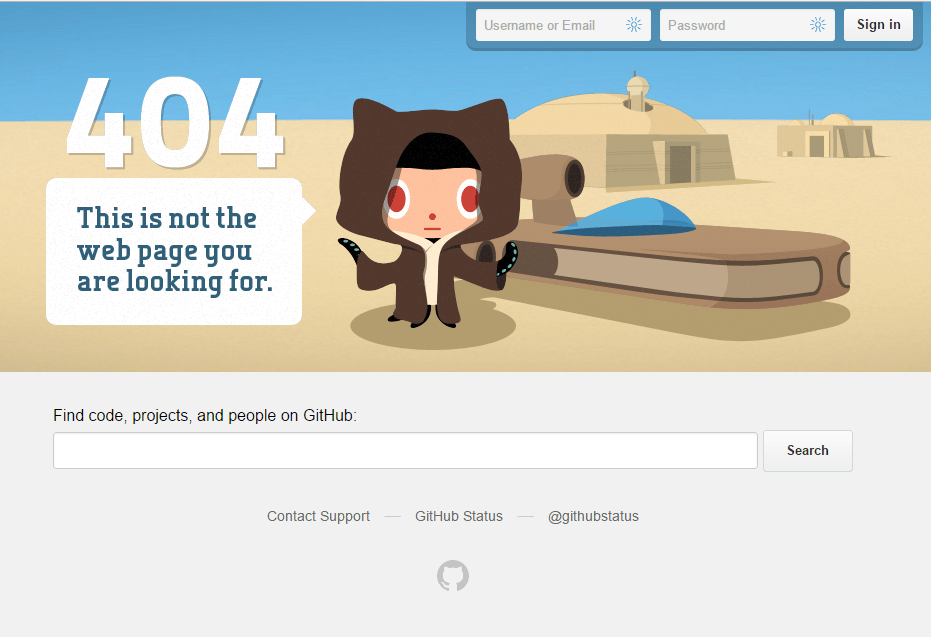
GitHub’s 404 page feels like you can reach out and touch it! The Star Wars-inspired design moves as your cursor does. Plus, they’ve made it easy to search the site or log in.
2. The Onion
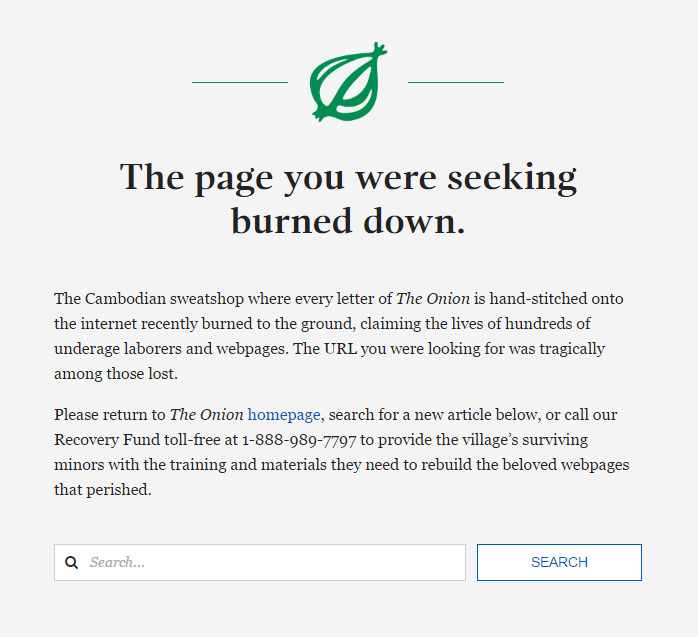
Staying true to their satirical style, The Onion’s 404 page offers a tongue-in-cheek explanation for why you’re lost, along with a handy search bar to get you back on track.
3. Slack
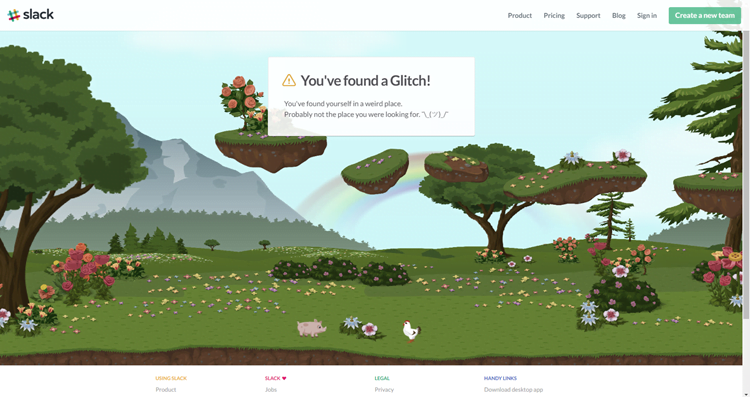
The folks at Slack clearly had a blast creating their 404 page. This animated masterpiece takes you on a quirky journey through their “weird place” with a wandering pig and chicken, all while keeping their top and bottom navigation bars visible.
4. Yelp
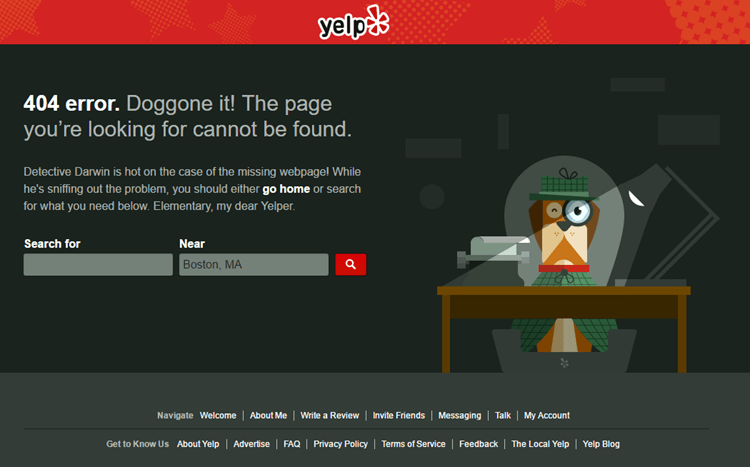
If you appreciate a good dad joke, Yelp’s 404 page, starring Detective Darwin, will tickle your funny bone. And true to best practices, it offers easy navigation back to the main site or through the bottom navigation bar.
5. Hootsuite
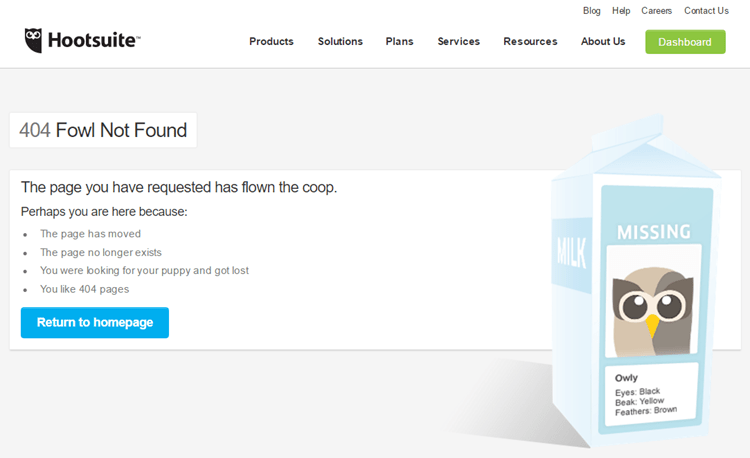
We can all relate to Hootsuite’s 404 page message: “Perhaps you are here because: You were looking for your puppy and got lost.” It happens to the best of us!
6. Spotify
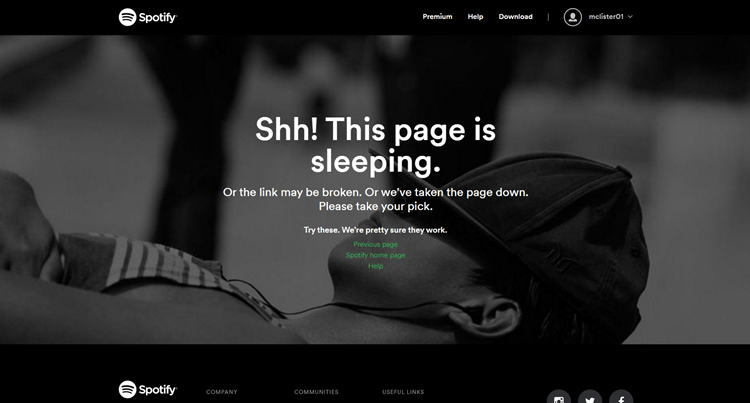
Spotify injects some personality into their 404 page, offering links to return to the previous page, visit the homepage, or check out their help section.
7. Weemss
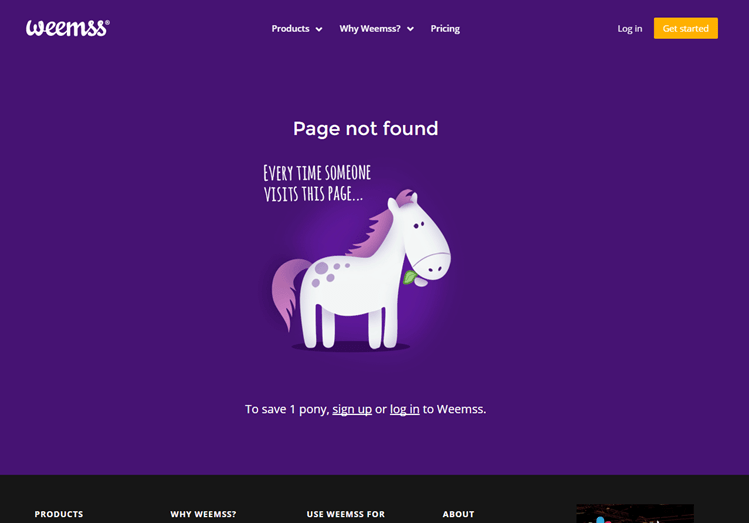
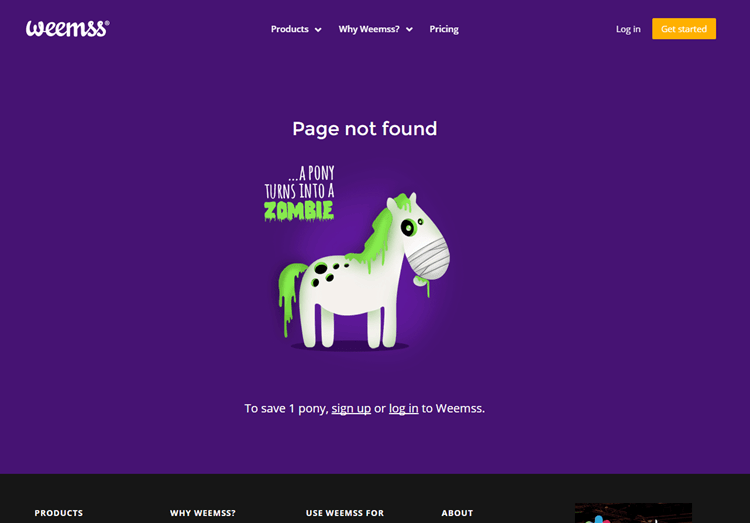
While some turn ponies into unicorns, Weemss takes a more unconventional approach—turning ponies into zombies on their 404 page! They even offer a chance to “save a pony” by signing up or logging in to their software.
8. UpWorthy
UpWorthy’s 404 page is worth a peek just for the video alone! While it lacks the usual search bar or navigation menu, it offers some enticing clickbait instead—which might be how you landed on their site in the first place!

9. nexus-security
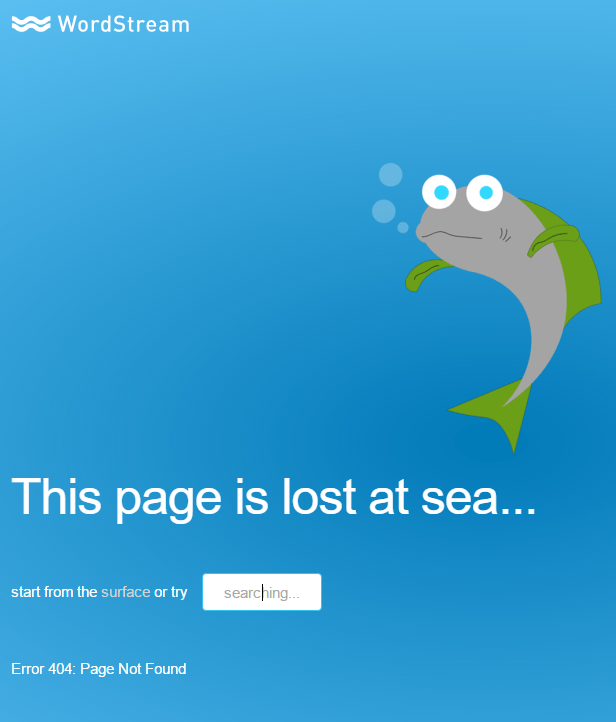
We saved the best for last! Our awesome website developer recently gave our 404 page an adorable makeover, and we’re currently holding a fish-naming contest!
Now it’s your turn: what’s your favorite 404 error page?