Building Dynamic Data Visualizations with D3.js
D3.js is an open-source JavaScript library that empowers developers to create compelling data visualizations. D3’s core principle revolves around binding data to document elements, typically SVG, to generate dynamic and interactive visuals. While widely recognized for its prowess in crafting vector graphics from the ground up, D3’s capabilities extend far beyond.
Consider a straightforward scenario: tracking your weekly running progress for a 5k race with a bar chart illustrating daily mileage.
| |
A live demonstration of this chart can be found on bl.ocks.org.
If this code seems familiar, that’s fantastic! If not, Scott Murray’s tutorials provides an excellent starting point for delving into D3.js.
As a seasoned D3.js developer, my approach to building visualizations has evolved significantly, consistently aiming to deliver rich and user-friendly experiences. Initially, Mike Bostock’s pattern for reusable charts provided a dependable method for rendering charts consistently across various selections. However, this method’s limitations become apparent once the chart is rendered. Integrating D3’s transitions and update patterns necessitates managing data changes within the chart’s generation scope. Practically, this meant incorporating filters, dropdowns, sliders, and resizing functionalities within the same function, leading to increased complexity.
Driven by the desire to harness the full potential of D3.js and address these constraints, I sought a solution that enabled seamless chart updates triggered by external events, such as dropdown changes in separate components. The objective was to empower dynamic interactions while maintaining a logical and modular structure. The outcome of this endeavor is an updatable chart pattern, and I’ll guide you through the evolutionary process that led to its creation.
Evolving D3.js Chart Patterns
Stage 1: Configuration Variables
Early in my D3.js journey, I embraced configuration variables to streamline the definition and modification of chart specifications. This allowed my charts to adapt seamlessly to varying data lengths and values. The same code snippet used to display running mileage could effortlessly handle a more extensive dataset of temperatures without a hitch:
| |
Witness this adaptability in action on bl.ocks.org.
Observe how the bar heights and widths dynamically adjust based on the data’s size and values. A single variable change cascades through the entire visualization, ensuring consistent rendering.
Stage 2: Leveraging Functions for Reusability
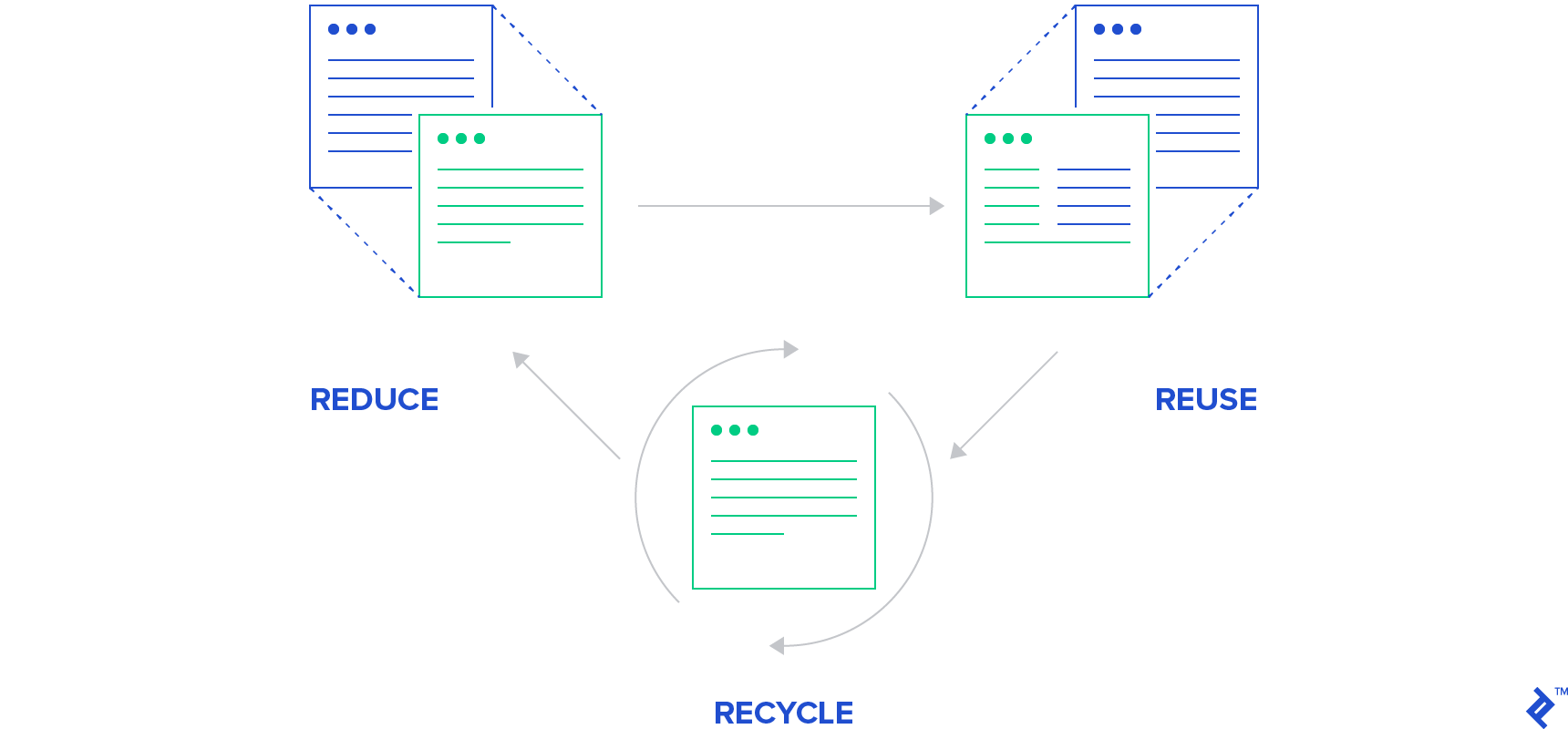
By abstracting business logic, we enhance code versatility, enabling it to handle diverse data structures. Encapsulating this code within a generation function streamlines initialization to a single line. This function accepts three arguments: the data, a DOM target, and an optional object to override default configuration variables. Let’s illustrate this implementation:
| |
Explore the live version on bl.ocks.org.
A critical aspect to highlight is the handling of D3.js selections. Avoid broad selections like d3.selectAll(‘rect’) as they might inadvertently capture SVG elements outside the intended scope. Instead, utilize the provided DOM reference to create a dedicated svg object for appending and updating elements. This approach not only enhances precision but also improves chart generation performance by minimizing DOM traversal.
Stage 3: Streamlining with Method Chaining
Deviating from the common JavaScript pattern of configuration objects, Mike Bostock, the mastermind behind D3.js, advocates for an alternative approach using implementing charts as closures with getter-setter methods. Although introducing a degree of complexity, this method simplifies configuration for the caller through intuitive method chaining:
| |
Experience the elegance of this approach on bl.ocks.org.
Here, chart initialization utilizes the D3.js selection, binding data and passing the DOM selection as the this context to the generator function. This function encapsulates default variables within a closure, granting the caller the flexibility to modify them through method chaining using configuration functions that return the chart object. This enables rendering the same chart to multiple selections simultaneously or employing a single chart to render the same graph with different data across selections, all without the overhead of managing a cumbersome options object.
Stage 4: Embracing Updatable Charts
Mike Bostock’s pattern empowers developers with significant control within the generator function. Given a dataset and any chained configurations, we dictate the rendering process. Should data require modification from within, D3’s transitions provide a smooth alternative to redrawing the entire chart. Even scenarios like window resizing can be gracefully handled, facilitating responsive features such as text abbreviation or axis label adjustments.
However, challenges arise when data manipulation occurs outside the generator function’s scope or when programmatic resizing is necessary. While calling the chart function with updated data and configurations seems like a viable solution, it presents several drawbacks.
Firstly, it often leads to redundant calculations. Why perform complex data manipulation for a simple width adjustment? While these computations might be essential during initial rendering, they become superfluous on subsequent updates. Each programmatic modification necessitates specific adjustments, and we, as developers, possess this knowledge. Moreover, within the chart’s scope, we have ready access to essential elements like SVG objects and current data states, simplifying the implementation of changes.
Consider the bar chart example. Redrawing the entire chart for a width update triggers unnecessary computations, including finding the maximum data value, recalculating bar heights, and re-rendering all SVG elements. In reality, once width is updated, the only necessary changes are:
| |
Furthermore, leveraging the chart’s history allows us to employ D3’s built-in transitions for seamless animations. In our example, adding a transition to the width update involves a minor modification:
from:
| |
to:
| |
Taking it a step further, if we enable users to provide new datasets, D3’s update selections (enter, update, and exit) facilitate the application of transitions to new data. However, this raises the question of handling new data effectively.
Previously, our implementation created a new chart using:
| |
We bound data to a D3.js selection and invoked our reusable chart. Data changes required binding new data to the same selection. Although theoretically possible, updating data by probing the existing selection for previous data proves messy, convoluted, and relies on the assumption that the existing chart shares the same type and structure.
Instead, by restructuring the JavaScript generator function, we can empower the caller to trigger external changes effortlessly through method chaining. While previously, configuration and data were set once and remained static, the caller can now perform actions like:
| |
This results in a smooth, animated transition to the new width from the existing chart. By eliminating redundant computations and incorporating sleek transitions, we ensure a delightful user experience.

Achieving this enhanced functionality demands a marginal increase in development effort, an investment that has consistently proven worthwhile in my experience. Let’s examine a skeletal structure of the updatable chart:
| |
For a comprehensive implementation, refer to bl.ocks.org.
The most significant departure from the previous closure implementation is the introduction of update functions. As discussed earlier, these functions leverage D3.js transitions and update patterns to smoothly reflect changes based on new data or configurations. These functions are exposed as properties of the chart object, making them accessible to the caller. To further streamline the process, both initial configuration and updates are managed through the same function:
| |
Note that updateWidth remains undefined until the chart is initialized. If undefined, the configuration variable is set globally for use within the chart closure. However, if the chart function has been invoked, all transitions are delegated to the updateWidth function, which utilizes the updated width variable to implement necessary changes. This mechanism can be represented as follows:
| |
In this refined structure, chart data is passed through method chaining, similar to other configuration variables, instead of being bound directly to a D3.js selection. The key distinction lies in the transition from:
| |
to:
| |
This restructuring and additional development effort yield substantial benefits.
Consider a new feature request: “Implement a dropdown allowing users to toggle between high and low temperatures, dynamically changing the chart color accordingly.” Instead of clearing the current chart, binding new data, and redrawing from scratch, we can now achieve this with a simple call upon selecting the low-temperature option:
| |
This approach not only optimizes performance but also enhances the visualization’s clarity during updates, a feat unattainable with previous methods.
A crucial caveat regarding transitions: exercise caution when scheduling multiple transitions for the same element. Initiating a new transition implicitly cancels any ongoing transitions. While multiple attributes or styles can be modified within a single D3.js transition, instances requiring simultaneous transitions might arise. In such scenarios, consider employing concurrent transitions on parent and child elements within your update functions.
Shifting Perspectives
Mike Bostock’s introduction of closures revolutionized chart encapsulation. His pattern excels at rendering identical charts with varying data across multiple instances. However, my experience with D3.js has highlighted a subtle shift in priorities. Rather than utilizing a single chart instance to generate identical visualizations with different data, the new pattern prioritizes the creation of multiple independent chart instances, each fully modifiable even after initialization. Moreover, each update retains complete access to the chart’s current state, empowering developers to minimize redundant computations and fully leverage D3.js’s capabilities for seamless user experiences.