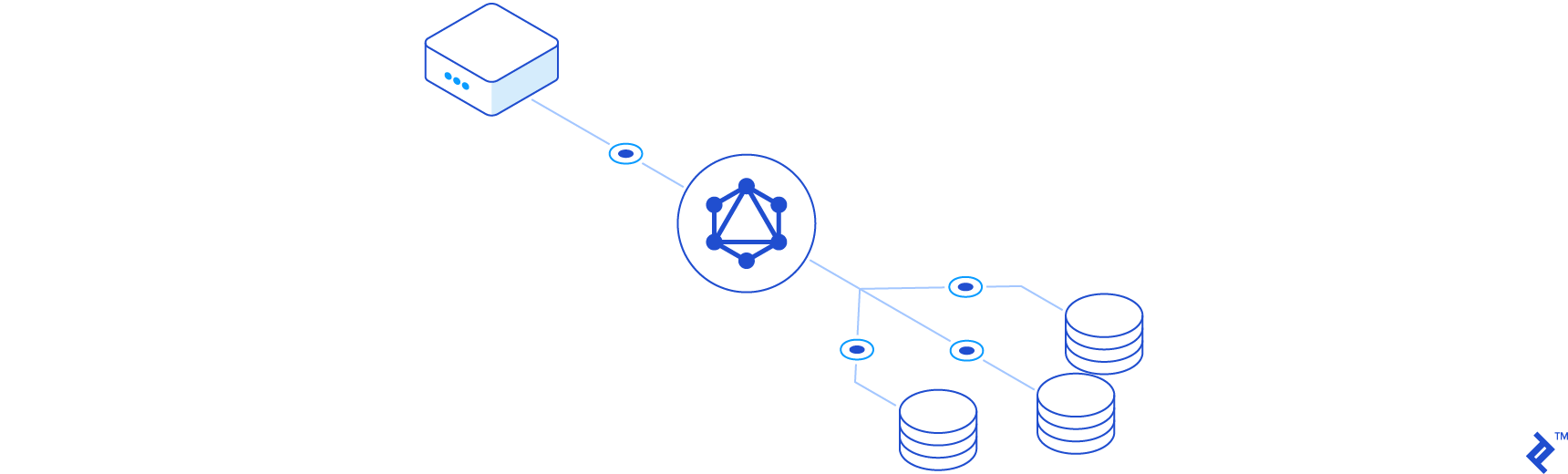
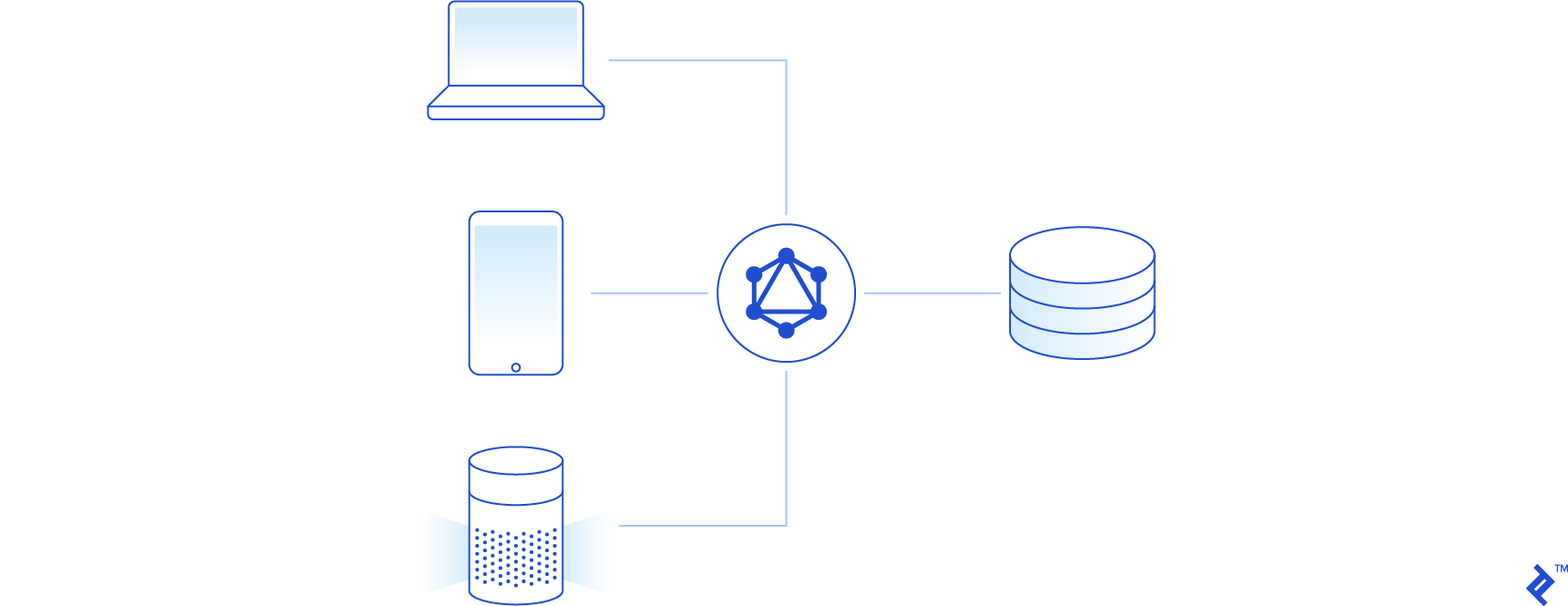
If you’re not yet acquainted with it, GraphQL is a query language for APIs. It offers several advantages over other architectures, such as REST, and is particularly useful for mobile and single-page applications. With GraphQL, you can easily request nested and related data, enabling developers to fetch precisely what they need in a single server interaction.
Laravel is a widely-used, full-featured PHP web framework. It comes with many built-in tools for quick application development while allowing developers to replace Laravel’s default components with their own implementations if desired.
Despite the significant growth of the GraphQL and Laravel communities since their open-source releases, comprehensive documentation on their combined use remains relatively limited.
Therefore, this tutorial will guide you through building your GraphQL server with Laravel.
Project Overview
Before diving in, let’s understand the project we aim to build. We’ll define our resources and create the GraphQL schema, which our API will use later.
Project Resources
Our application will have two resources: Articles and Users. We’ll represent these as object types in our GraphQL schema:
 1
 2
 3
 4
 5
 6
 7
 8
 9
10
11
12
13
| type User {
id: ID!
name: String!
email: String!
articles: [Article!]!
}
type Article {
id: ID!
title: String!
content: String!
author: User!
}
|
The schema illustrates a one-to-many relationship between the objects. Users can author multiple articles, and each article has an assigned author (user).
With our object types defined, we need a way to create and query data. Let’s define our query and mutation objects:
 1
 2
 3
 4
 5
 6
 7
 8
 9
10
11
12
| type Query {
user(id: ID!): User
users: [User!]!
article(id: ID!): Article
articles: [Article!]!
}
type Mutation {
createUser(name: String!, email: String!, password: String!): User
createArticle(title: String!, content: String!): Article
}
|
Setting Up Our Laravel Project
Having defined our GraphQL schema, let’s set up our Laravel project. We’ll start by creating a new Laravel project using Composer:
1
| $ composer create-project --prefer-dist laravel/laravel laravel-graphql
|
To ensure everything works, let’s start the server and verify that we see Laravel’s default page:
1
2
3
| $ cd laravel-graphql
$ php artisan serve
Laravel development server started: <http://127.0.0.1:8000>
|
Database Models and Migrations
We’ll be using SQLite for this tutorial. Let’s modify the default .env file accordingly:
1
2
3
4
5
6
| DB_CONNECTION=sqlite
# DB_HOST=
# DB_PORT=
# DB_DATABASE=database.sqlite
# DB_USERNAME=
# DB_PASSWORD=
|
Next, let’s create the database file:
1
| $ touch ./database/database.sqlite
|
Laravel includes a user model and basic migration files. Let’s add an api_token column to the CreateUsersTable migration file:
 1
 2
 3
 4
 5
 6
 7
 8
 9
10
11
12
13
14
15
16
17
18
19
20
21
22
23
24
25
26
27
28
29
30
31
32
| /database/migrations/XXXX_XX_XX_000000_create_users_table.php
use Illuminate\Database\Migrations\Migration;
use Illuminate\Database\Schema\Blueprint;
use Illuminate\Support\Facades\Schema;
class CreateUsersTable extends Migration
{
/**
* Run the migrations.
*/
public function up()
{
Schema::create('users', function (Blueprint $table) {
$table->bigIncrements('id');
$table->string('name');
$table->string('email')->unique();
$table->timestamp('email_verified_at')->nullable();
$table->string('password');
$table->string('api_token', 80)->unique()->nullable()->default(null);
$table->rememberToken();
$table->timestamps();
});
}
/**
* Reverse the migrations.
*/
public function down()
{
Schema::dropIfExists('users');
}
}
|
We’ll revisit this column later when discussing authorization. Now, let’s create our article model and its corresponding migration file:
1
| $ php artisan make:model Article -m
|
Note: The -m option generates a migration file for the new article model.
Let’s adjust the generated migration file:
 1
 2
 3
 4
 5
 6
 7
 8
 9
10
11
12
13
14
15
16
17
18
19
20
21
22
23
24
25
26
27
28
29
30
31
32
33
34
| use Illuminate\Support\Facades\Schema;
use Illuminate\Database\Schema\Blueprint;
use Illuminate\Database\Migrations\Migration;
class CreateArticlesTable extends Migration
{
/**
* Run the migrations.
*
* @return void
*/
public function up()
{
Schema::create('articles', function (Blueprint $table) {
$table->bigIncrements('id');
$table->unsignedBigInteger('user_id');
$table->string('title');
$table->text('content');
$table->timestamps();
$table->foreign('user_id')->references('id')->on('users');
});
}
/**
* Reverse the migrations.
*
* @return void
*/
public function down()
{
Schema::dropIfExists('articles');
}
}
|
We’ve added a foreign key referencing the id column in the users table, along with the title and content columns from our GraphQL schema.
With the migration files defined, let’s run them against our database:
Next, let’s update our models by defining the relationships:
 1
 2
 3
 4
 5
 6
 7
 8
 9
10
11
12
13
14
15
16
17
18
19
20
21
22
23
24
25
26
27
28
29
| app/User.php
namespace App;
use Illuminate\Notifications\Notifiable;
use Illuminate\Foundation\Auth\User as Authenticatable;
class User extends Authenticatable
{
use Notifiable;
/**
* The attributes that are mass assignable.
*
* @var array
*/
protected $fillable = [
'name', 'email', 'password',
];
// ...
/**
* @return \Illuminate\Database\Eloquent\Relations\HasMany
*/
public function articles()
{
return $this->hasMany(Article::class);
}
}
|
 1
 2
 3
 4
 5
 6
 7
 8
 9
10
11
12
13
14
15
16
17
18
19
20
21
22
23
24
| app/Article.php
namespace App;
use Illuminate\Database\Eloquent\Model;
class Article extends Model
{
/**
* The attributes that are mass assignable.
*
* @var array
*/
protected $fillable = [
'title', 'content',
];
/**
* @return \Illuminate\Database\Eloquent\Relations\BelongsTo
*/
public function user()
{
return $this->belongsTo(User::class);
}
}
|
Database Seeding
With our models and migrations set up, let’s seed our database. We’ll begin by creating seeder classes for our articles and users tables:
1
2
| $ php artisan make:seeder UsersTableSeeder
$ php artisan make:seeder ArticlesTableSeeder
|
Next, let’s configure them to populate our SQLite database with sample data:
 1
 2
 3
 4
 5
 6
 7
 8
 9
10
11
12
13
14
15
16
17
18
19
20
21
22
23
24
25
26
27
28
29
30
31
| database/seeds/UsersTableSeeder.php
use App\User;
use Illuminate\Database\Seeder;
class UsersTableSeeder extends Seeder
{
/**
* Run the database seeds.
*/
public function run()
{
\App\User::truncate();
$faker = \Faker\Factory::create();
$password = bcrypt('secret');
\App\User::create([
'name' => $faker->name,
'email' => 'graphql@test.com',
'password' => $password,
]);
for ($i = 0; $i < 10; ++$i) {
\App\User::create([
'name' => $faker->name,
'email' => $faker->email,
'password' => $password,
]);
}
}
}
|
 1
 2
 3
 4
 5
 6
 7
 8
 9
10
11
12
13
14
15
16
17
18
19
20
21
22
23
24
25
26
27
| database/seeds/ArticlesTableSeeder.php
use App\Article;
use Illuminate\Database\Seeder;
class ArticlesTableSeeder extends Seeder
{
/**
* Run the database seeds.
*/
public function run()
{
\App\Article::truncate();
\App\Article::unguard();
$faker = \Faker\Factory::create();
\App\User::all()->each(function ($user) use ($faker) {
foreach (range(1, 5) as $i) {
\App\Article::create([
'user_id' => $user->id,
'title' => $faker->sentence,
'content' => $faker->paragraphs(3, true),
]);
}
});
}
}
|
 1
 2
 3
 4
 5
 6
 7
 8
 9
10
11
12
13
14
15
16
| /database/seeds/DatabaseSeeder.php
use Illuminate\Database\Seeder;
class DatabaseSeeder extends Seeder
{
/**
* Seed the application's database.
*
* @return void
*/
public function run()
{
$this->call(UsersTableSeeder::class);
$this->call(ArticlesTableSeeder::class);
}
}
|
Finally, let’s run our database seeders to populate the database:
Laravel Lighthouse and GraphQL Server
With our database and models ready, let’s construct our GraphQL server. Several solutions are available for Laravel; in this tutorial, we’ll utilize Lighthouse.
Lighthouse, a package I developed a few years ago, has gained significant support from its growing community. It allows for rapid GraphQL server setup in Laravel with minimal configuration while offering flexibility for customization.
Let’s begin by incorporating the package into our project:
1
| $ composer require nuwave/lighthouse:"3.1.*"
|
Next, let’s publish Lighthouse’s configuration file:
1
| $ php artisan vendor:publish --provider="Nuwave\Lighthouse\LighthouseServiceProvider" --tag=config
|
Note: You can also publish Lighthouse’s default schema by omitting the --tag=config option. However, for this tutorial, we’ll create our schema file manually.
In the config/lighthouse.php file, you’ll find a setting for registering our schema file with Lighthouse:
1
2
3
| 'schema' => [
'register' => base_path('graphql/schema.graphql'),
],
|
Let’s create our schema file and define the user object type and query:
 1
 2
 3
 4
 5
 6
 7
 8
 9
10
11
12
13
14
| $ mkdir graphql
$ touch ./graphql/schema.graphql
/graphql/schema.graphql
type User {
id: ID!
name: String!
email: String!
}
type Query {
user(id: ID! @eq): User @find
users: [User!]! @all
}
|
You’ll notice our schema resembles the earlier one, but we’ve added identifiers called schema directives.
Let’s break down our defined schema. The first definition is an object type called User, linked to our App\User eloquent model. We define id, name, and email as queryable fields for our User models. Conversely, the password, created_at, and updatedAt columns are not queryable through our API.
Next is the Query type, an entry point into our API for querying data. The first field, users, returns an array of User object types. The @all directive instructs Lighthouse to execute an Eloquent query using our User model and retrieve all results, equivalent to:
1
| $users = \App\User::all();
|
Note: Lighthouse automatically searches for a model in the \App\User namespace due to the namespaces option in its configuration file.
The second field in our query type is user, which accepts an id argument and returns a single User object type. We’ve added two directives for Lighthouse to build the query automatically. The @eq directive adds a “where” clause on our id column, and @find tells Lighthouse to return a single result. The Laravel query builder equivalent would be:
1
| $user = \App\User::where('id', $args['id'])->first();
|
Querying Our GraphQL API
With an understanding of how Lighthouse uses our schema, let’s run our server and start querying data. Let’s start the server:
1
2
| $ php artisan serve
Laravel development server started: <http://127.0.0.1:8000>
|
You could use cURL commands in the terminal or a standard client like Postman to query a GraphQL endpoint. However, to fully leverage GraphQL features like autocomplete, error highlighting, and documentation, we’ll use GraphQL Playground (download releases here).
When starting Playground, in the “URL Endpoint” tab, enter http://localhost:8000/graphql to connect GraphQL Playground to our server. The editor’s left side allows us to query data. Let’s start by requesting all the users we seeded:
1
2
3
4
5
6
7
| {
users {
id
email
name
}
}
|
Clicking the play button in the IDE (or pressing Ctrl+Enter) displays the JSON output from our server on the right side:
 1
 2
 3
 4
 5
 6
 7
 8
 9
10
11
12
13
14
15
16
17
18
19
20
21
22
| {
"data": {
"users": [
{
"id": "1",
"email": "graphql@test.com",
"name": "Carolyn Powlowski"
},
{
"id": "2",
"email": "kheaney@yahoo.com",
"name": "Elouise Raynor"
},
{
"id": "3",
"email": "orlando.sipes@yahoo.com",
"name": "Mrs. Dejah Wiza"
},
...
]
}
}
|
Note: Since we used Faker to seed the database, the email and name fields will contain different data.
Now, let’s query a single user:
1
2
3
4
5
6
| {
user(id: 1) {
email
name
}
}
|
This will output the following for a single user:
1
2
3
4
5
6
7
8
| {
"data": {
"user": {
"email": "graphql@test.com",
"name": "Carolyn Powlowski"
}
}
}
|
While this is a good starting point, you’ll rarely query for all data in a project. Let’s introduce pagination. Among Lighthouse’s extensive collection of built-in directives, the @paginate directive is readily available. Let’s modify our schema’s query object:
1
2
3
4
| type Query {
user(id: ID! @eq): User @find
users: [User!]! @paginate
}
|
If we reload GraphQL Playground (Ctrl/Cmd + R) and retry our users query, we get an error: Cannot query field "id" on type "UserPaginator". What happened? Behind the scenes, Lighthouse modified our schema to enable pagination, changing the return type of our users field.
Let’s examine this by inspecting our schema in GraphQL Playground’s “Docs” tab. Notice that the users field returns a UserPaginator, which provides an array of users and a Lighthouse-defined PaginatorInfo type:
 1
 2
 3
 4
 5
 6
 7
 8
 9
10
11
12
13
14
15
| type UserPaginator {
paginatorInfo: PaginatorInfo!
data: [User!]!
}
type PaginatorInfo {
count: Int!
currentPage: Int!
firstItem: Int
hasMorePages: Boolean!
lastItem: Int
lastPage: Int!
perPage: Int!
total: Int!
}
|
If you’re familiar with Laravel’s built-in pagination, the fields within PaginatorInfo should look familiar. So, to retrieve two users, the total user count, and information about additional pages, we’d use this query:
 1
 2
 3
 4
 5
 6
 7
 8
 9
10
11
12
13
| {
users(count:2) {
paginatorInfo {
total
hasMorePages
}
data {
id
name
email
}
}
}
|
The response would look like this:
 1
 2
 3
 4
 5
 6
 7
 8
 9
10
11
12
13
14
15
16
17
18
19
20
21
22
| {
"data": {
"users": {
"paginatorInfo": {
"total": 11,
"hasMorePages": true
},
"data": [
{
"id": "1",
"name": "Carolyn Powlowski",
"email": "graphql@test.com"
},
{
"id": "2",
"name": "Elouise Raynor",
"email": "kheaney@yahoo.com"
},
]
}
}
}
|
Relationships
Applications often involve related data. In our case, a User can author multiple Articles. Let’s incorporate this relationship into our User type and define our Article type:
 1
 2
 3
 4
 5
 6
 7
 8
 9
10
11
12
| type User {
id: ID!
name: String!
email: String!
articles: [Article!]! @hasMany
}
type Article {
id: ID!
title: String!
content: String!
}
|
We’re using another Lighthouse schema directive, @hasMany, indicating that our User model has a \Illuminate\Database\Eloquent\Relations\HasMany relationship with the Article model.
Let’s query our newly defined relationship:
1
2
3
4
5
6
7
8
| {
user(id:1) {
articles {
id
title
}
}
}
|
The response will be:
 1
 2
 3
 4
 5
 6
 7
 8
 9
10
11
12
13
14
15
16
17
18
19
20
21
22
23
24
25
26
27
28
| {
"data": {
"user": {
"articles": [
{
"id": "1",
"title": "Aut velit et temporibus ut et tempora sint."
},
{
"id": "2",
"title": "Voluptatem sed labore ea voluptas."
},
{
"id": "3",
"title": "Beatae sit et maxime consequatur et natus totam."
},
{
"id": "4",
"title": "Corrupti beatae cumque accusamus."
},
{
"id": "5",
"title": "Aperiam quidem sit esse rem sed cupiditate."
}
]
}
}
}
|
Finally, let’s reverse the relationship and add the author relationship to our Article object type using Lighthouse’s @belongsTo schema directive. We’ll also update our Query:
 1
 2
 3
 4
 5
 6
 7
 8
 9
10
11
12
13
| type Article {
id: ID!
title: String!
content: String!
author: User! @belongsTo(relation: "user")
}
type Query {
user(id: ID! @eq): User @find
users: [User!]! @paginate
article(id: ID! @eq): Article @find
articles: [Article!]! @paginate
}
|
We added an optional relation argument to the @belongsTo directive, instructing Lighthouse to use the Articles model’s user relationship and assign it to the author field.
Now, let’s retrieve a list of articles and their authors:
 1
 2
 3
 4
 5
 6
 7
 8
 9
10
11
12
13
14
15
16
| {
articles(count:2) {
paginatorInfo {
total
hasMorePages
}
data {
id
title
author {
name
email
}
}
}
}
|
We should receive the following:
 1
 2
 3
 4
 5
 6
 7
 8
 9
10
11
12
13
14
15
16
17
18
19
20
21
22
23
24
25
26
27
28
| {
"data": {
"articles": {
"paginatorInfo": {
"total": 55,
"hasMorePages": true
},
"data": [
{
"id": "1",
"title": "Aut velit et temporibus ut et tempora sint.",
"author": {
"name": "Carolyn Powlowski",
"email": "graphql@test.com"
}
},
{
"id": "2",
"title": "Voluptatem sed labore ea voluptas.",
"author": {
"name": "Carolyn Powlowski",
"email": "graphql@test.com"
}
}
]
}
}
}
|
GraphQL Mutation
Now that we can query data, let’s create mutations to add new users and articles. We’ll start with the user model:
1
2
3
4
5
6
7
| type Mutation {
createUser(
name: String!
email: String! @rules(apply: ["email", "unique:users"])
password: String! @bcrypt @rules(apply: ["min:6"])
): User @create
}
|
Let’s break down this schema definition. We’ve created a mutation called createUser with three arguments (name, email, and password). The @rules directive, similar to Laravel’s validation logic for controllers, is applied to both email and password.
The @bcrypt directive encrypts the password before storing it in the new model.
Finally, Lighthouse provides the @create schema directive to simplify model creation. It takes our defined arguments and creates a new model. The equivalent logic in a Controller would be:
 1
 2
 3
 4
 5
 6
 7
 8
 9
10
11
12
13
14
15
16
17
18
19
20
21
22
23
24
| namespace App\Http\Controllers;
use Illuminate\Http\Request;
class UserController extends Controller
{
/**
* Create a new user.
*
* @param \Illuminate\Http\Request $request
* @return \Illuminate\Http\Response
*/
public function store(Request $request)
{
$data = $this->validate($request, [
'email' => ['email', 'unique:users'],
'password' => ['min:6']
]);
$user = \App\User::create($data);
return response()->json(['user' => $user]);
}
}
|
With the createUser mutation set up, let’s execute it in GraphQL Playground:
 1
 2
 3
 4
 5
 6
 7
 8
 9
10
11
| mutation {
createUser(
name:"John Doe"
email:"john.doe@example.com"
password: "secret"
) {
id
name
email
}
}
|
The output should be:
1
2
3
4
5
6
7
8
9
| {
"data": {
"createUser": {
"id": "12",
"name": "John Doe",
"email": "john.doe@example.com"
}
}
}
|
GraphQL Authentication and Authorization
Since our Article models require a user_id, let’s delve into authentication and authorization in GraphQL/Lighthouse.
To authenticate a user, we’ll provide an api_token. Let’s create a mutation for this and use the @field directive to direct Lighthouse to a custom resolver for the logic. We’ll follow the same pattern as defining a controller in Laravel, using the resolver argument.
The @field directive below instructs Lighthouse to utilize the createToken method in our App\GraphQL\Mutations\AuthMutator class when the login mutation is executed:
1
2
3
4
5
6
7
8
| type Mutation {
# ...
login(
email: String!
password: String!
): String @field(resolver: "AuthMutator@resolve")
}
|
Note: The entire namespace isn’t required here. The lighthouse.php config file already defines our mutations’ namespace as App\\GraphQL\\Mutations. However, the full namespace is acceptable.
Let’s use Lighthouse’s generator to create the new mutator class:
1
| $ php artisan lighthouse:mutation AuthMutator
|
Now, let’s update our resolver function:
 1
 2
 3
 4
 5
 6
 7
 8
 9
10
11
12
13
14
15
16
17
18
19
20
21
22
23
24
25
26
27
28
29
30
31
32
33
34
35
36
| namespace App\GraphQL\Mutations;
use Illuminate\Support\Arr;
use Illuminate\Support\Str;
use Illuminate\Support\Facades\Auth;
use GraphQL\Type\Definition\ResolveInfo;
use Nuwave\Lighthouse\Support\Contracts\GraphQLContext;
class AuthMutator
{
/**
* Return a value for the field.
*
* @param null $rootValue Usually contains the result returned from the parent field. In this case, it is always `null`.
* @param mixed[] $args The arguments that were passed into the field.
* @param \Nuwave\Lighthouse\Support\Contracts\GraphQLContext $context Arbitrary data that is shared between all fields of a single query.
* @param \GraphQL\Type\Definition\ResolveInfo $resolveInfo Information about the query itself, such as the execution state, the field name, path to the field from the root, and more.
* @return mixed
*/
public function resolve($rootValue, array $args, GraphQLContext $context, ResolveInfo $resolveInfo)
{
$credentials = Arr::only($args, ['email', 'password']);
if (Auth::once($credentials)) {
$token = Str::random(60);
$user = auth()->user();
$user->api_token = $token;
$user->save();
return $token;
}
return null;
}
}
|
With the resolver set up, let’s test it by obtaining an API token in GraphQL Playground:
1
2
3
| mutation {
login(email:"graphql@test.com", password:"secret")
}
|
We should receive a token in the response:
1
2
3
4
5
| {
"data": {
"login": "VJCz1DCpmdvB9WatqvWbXBP2RN8geZQlrQatUnWIBJCdbAyTl3UsdOuio3VE"
}
}
|
Note: Copy the returned token for later use.
Next, let’s add a query field to return the authenticated user, confirming our logic. We’ll add a field named me and use Lighthouse’s @auth directive to return the currently authenticated user. The guard argument will be set to api for user authentication.
1
2
3
4
| type Query {
# ...
me: User @auth(guard: "api")
}
|
Now, let’s run the query. In GraphQL Playground, double-click the “Http Headers” tab at the bottom to set request headers. We add headers as a JSON object. To include a bearer token with each request, add the following:
1
2
3
| {
"Authorization": "Bearer VJCz1DCpmdvB9WatqvWbXBP2RN8geZQlrQatUnWIBJCdbAyTl3UsdOuio3VE"
}
|
Note: Replace the placeholder with your login token.
Now, execute the me query:
1
2
3
4
5
6
7
8
9
| {
me {
email
articles {
id
title
}
}
}
|
The output should look like this:
 1
 2
 3
 4
 5
 6
 7
 8
 9
10
11
12
13
14
15
16
17
18
19
20
21
22
23
24
25
26
27
28
29
| {
"data": {
"me": {
"email": "graphql@test.com",
"articles": [
{
"id": "1",
"title": "Rerum perspiciatis et quos occaecati exercitationem."
},
{
"id": "2",
"title": "Placeat quia cumque laudantium optio voluptatem sed qui."
},
{
"id": "3",
"title": "Optio voluptatem et itaque sit animi."
},
{
"id": "4",
"title": "Excepturi in ad qui dolor ad perspiciatis adipisci."
},
{
"id": "5",
"title": "Qui nemo blanditiis sed fugit consequatur."
}
]
}
}
}
|
Middleware
With authentication verified, let’s create our final mutation to create an article using the authenticated user. We’ll utilize the @field directive to point Lighthouse to our resolver and the @middleware directive to ensure user login.
1
2
3
4
5
6
7
| type Mutation {
# ...
createArticle(title: String!, content: String!): Article
@field(resolver: "ArticleMutator@create")
@middleware(checks: ["auth:api"])
}
|
First, let’s generate a mutation class:
1
| $ php artisan lighthouse:mutation ArticleMutator
|
Next, update the mutator with the following logic:
 1
 2
 3
 4
 5
 6
 7
 8
 9
10
11
12
13
14
15
16
17
18
19
20
21
22
| namespace App\GraphQL\Mutations;
use Nuwave\Lighthouse\Support\Contracts\GraphQLContext;
class ArticleMutator
{
/**
* Return a value for the field.
*
* @param null $rootValue
* @param mixed[] $args
* @param \Nuwave\Lighthouse\Support\Contracts\GraphQLContext $context
* @return mixed
*/
public function create($rootValue, array $args, GraphQLContext $context)
{
$article = new \App\Article($args);
$context->user()->articles()->save($article);
return $article;
}
}
|
Note: We renamed the resolve function to create. You can group logic within a single class instead of creating a new class for each resolver.
Finally, let’s run our new mutation and check the output. Ensure the Authorization header from the previous query remains in the “HTTP Headers” tab:
 1
 2
 3
 4
 5
 6
 7
 8
 9
10
11
12
| mutation {
createArticle(
title:"Building a GraphQL Server with Laravel"
content:"In case you're not currently familiar with it, GraphQL is a query language used to interact with your API..."
) {
id
author {
id
email
}
}
}
|
The output should be:
 1
 2
 3
 4
 5
 6
 7
 8
 9
10
11
| {
"data": {
"createArticle": {
"id": "56",
"author": {
"id": "1",
"email": "graphql@test.com"
}
}
}
}
|
Wrapping Up
In summary, we’ve built a GraphQL server for our Laravel project using Lighthouse. We utilized built-in schema directives, created queries and mutations, and implemented authorization and authentication.
Lighthouse offers much more, such as creating custom custom schema directives, but we focused on the basics to set up a functional GraphQL server with minimal configuration.
Consider GraphQL for querying your data the next time you develop an API for a mobile or single-page application!