If you’ve been keeping up with developer trends through blog posts, Hacker News, tweets, or podcasts, you’ve likely encountered Elixir. But what exactly is it? Created by José Valim, a prominent figure in the open-source community known for his work on Ruby on Rails, Devise, and Simple Form, Elixir addresses a specific need.
José Valim conceived Elixir in 2011 to tackle the shortcomings of Ruby in handling concurrency. Inspired by the strengths of Erlang and Clojure, he envisioned a language that combined the robustness of the Erlang VM with the dynamism, metaprogramming capabilities, and extensibility of Clojure.
Elixir’s Purpose
Elixir is described as a dynamic, functional language prioritizing immutability and an actor-based concurrency model. Its goal? To facilitate the development of scalable and maintainable applications applications, all while maintaining a clean and modern syntax. Running on the Erlang Virtual Machine, Elixir benefits from its battle-tested performance, distributed nature, low latency, and fault tolerance.
Elixir’s popularity is accepted by the community, making it relatively easy to learn. Abundant resources like books, libraries, conferences, meetups, podcasts, blog posts, and newsletters are readily available. Significantly, it has been embraced by the Erlang community.
Let’s dive into some code!
Installing Elixir:
Installing Elixir is super easy on major platforms, often achievable with a single command.
Arch Linux
Elixir is available in Arch Linux’s official repositories:
| |
Ubuntu
Installing on Ubuntu requires a few more steps, but remains straightforward.
| |
OS X
Use Homebrew to install Elixir on OS X.
| |
Introducing IEx
After installation, your journey begins in the shell, your primary environment for Elixir development.
Elixir’s interactive shell, IEx, functions as a REPL (Read Evaluate Print Loop) for exploring the language. It allows you to input and immediately evaluate expressions, providing instant feedback. Keep in mind that code in IEx is evaluated, not compiled, so avoid profiling or benchmarks within this environment.
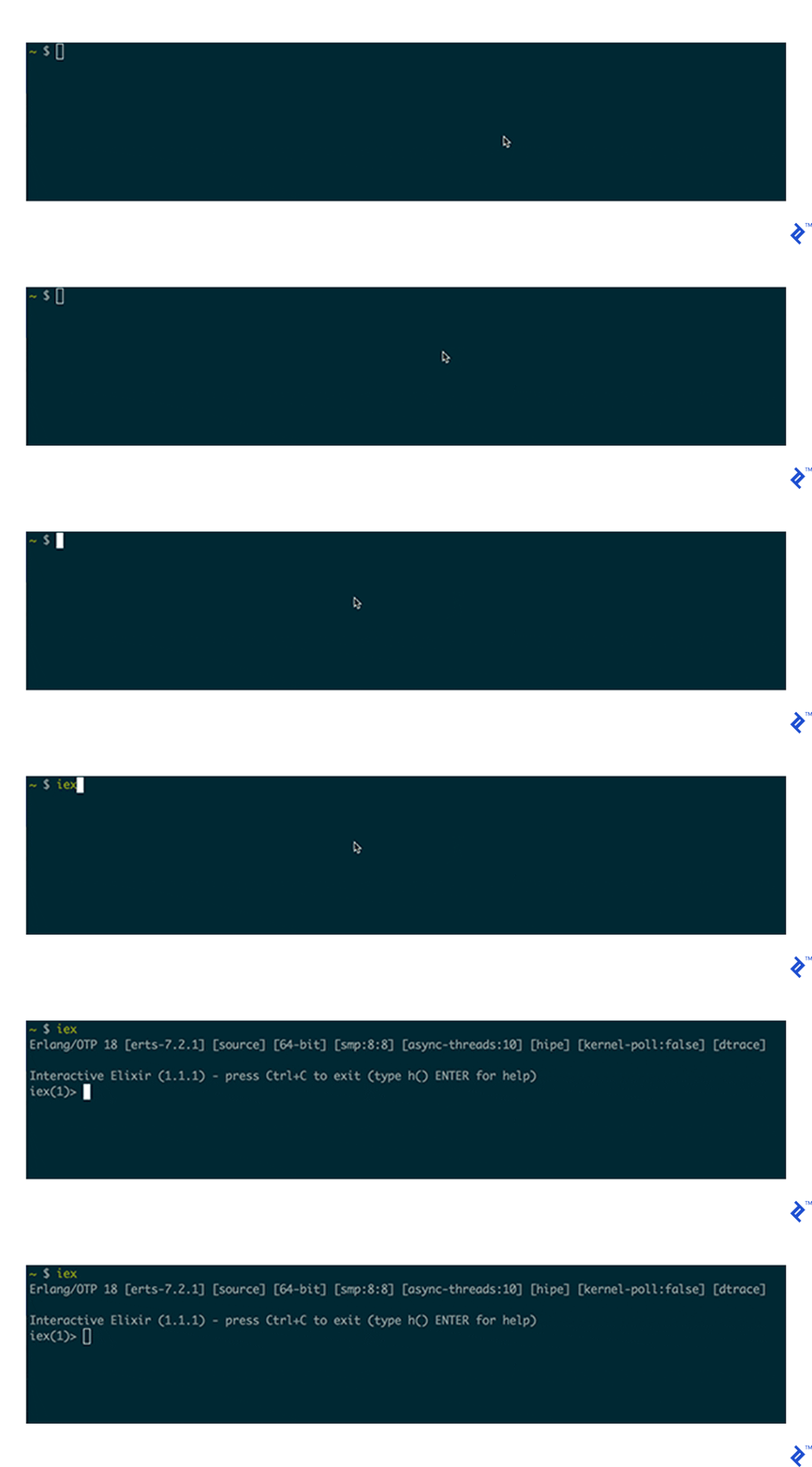
Exiting IEx
Unlike many terminal programs, exiting IEx doesn’t involve a simple CTRL+C. Instead, this key combination opens the Break Menu. From there, another CTRL+C or pressing a will exit the shell.

While a detailed exploration of the Break Menu is beyond our scope, let’s explore some handy IEx helpers!
IEx Helpers
IEx offers numerous helpers. Type h() to list them all.
You should see the following:
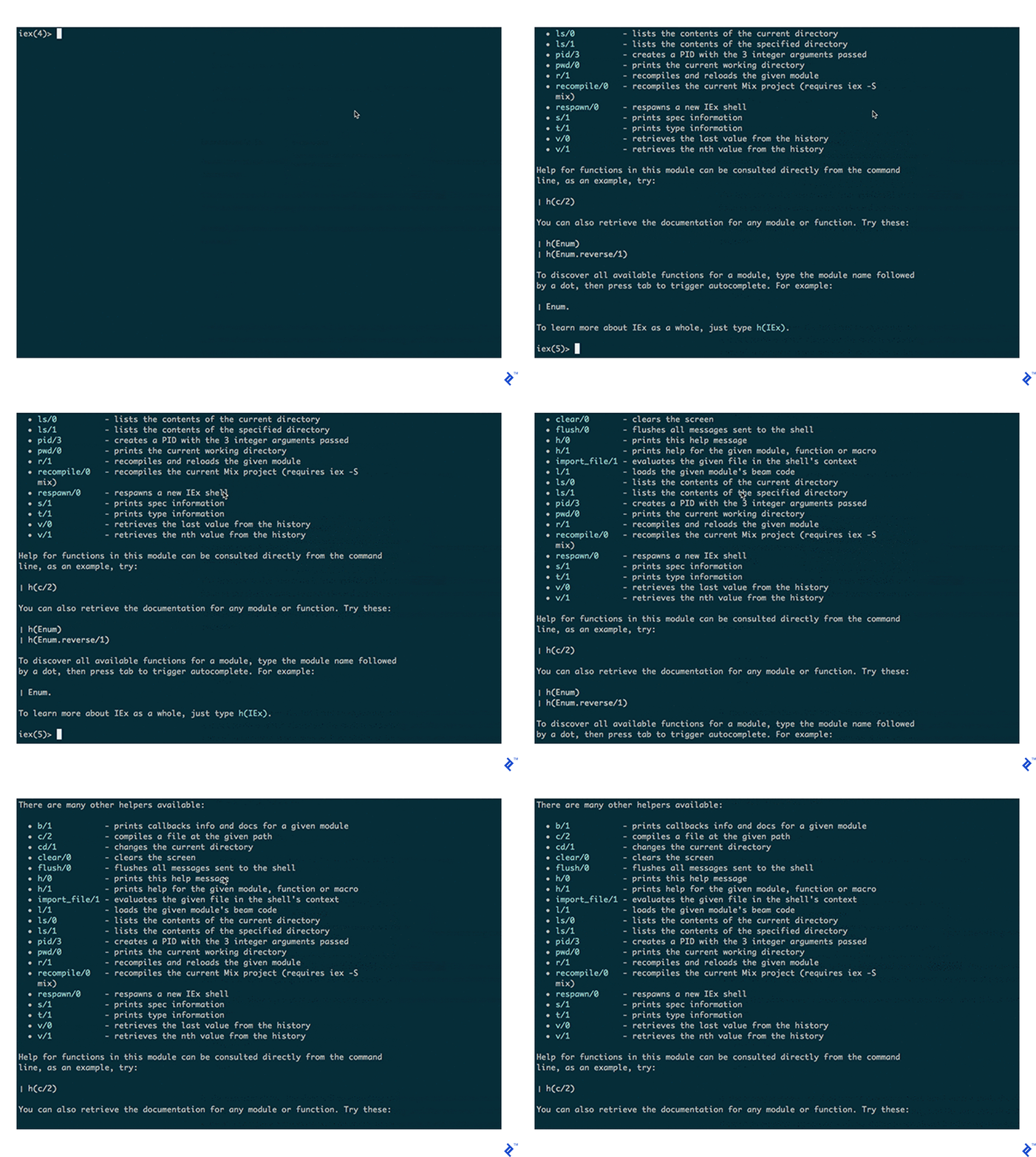
Here are some particularly useful ones:
h: Prints helper messages (as demonstrated).h/1: The same function, but expecting one argument.
For example, to view the documentation of the String strip/2 method, simply use:

Another invaluable helper is c/2. It compiles a given Elixir file (or a list) and writes the output to a specified path.
Imagine you’re working on the Anagram exercise from http://exercism.io/ Elixir exercises.
You’ve created the Anagram module with a match/2 method in the anagram.exs file and written accompanying tests.
Your directory structure looks like this:

To run tests against the Anagram module, you need to compile them.

As shown, compilation is done by invoking the elixir executable with the file path as an argument.
Now, let’s say you want to use the Anagram module within an IEx session. Two common methods exist. You can either require the file using the -r option (e.g., iex -r anagram.exs) or compile directly from IEx.

It’s that easy!
What if you need to recompile a module? No need to restart IEx! Recall the recompile command from the list of helpers. Here’s how it works.

Note that you provide the module name, not the file path, as the argument.
IEx offers many more useful helpers to deepen your understanding of Elixir program behavior.
Elixir Data Types
Numbers
Elixir has two primary number types: arbitrary-sized integers and floating-point numbers.
Integers
Integers can be represented in decimal, hexadecimal, octal, and binary.
Like Ruby, underscores can separate groups of digits in large numbers. For example, one hundred million can be written as:
| |
Octal:
| |
Hexadecimal:
| |
Binary:
| |
Floats
Floats adhere to the IEEE 754 double-precision standard with 16 digits of accuracy and a maximum exponent of approximately 10308.
They are written with a decimal point, requiring at least one digit before and after it. A trailing exponent is optional. Examples: 1.0, 0.3141589e1, 314159.0-e.
Atoms
Atoms are immutable constants representing names. They are written with a leading colon : followed by letters, digits, underscores, and at signs @, or any sequence of characters enclosed in quotes after the colon.
Atoms are fundamental, used for referencing Erlang functions, keys, and Elixir methods.
Valid atom examples:
| |
Booleans
Booleans, representing true and false values, are essentially atoms.

Strings
Elixir strings are UTF-8 compliant by default. They are delimited by " or ', allowing interpolation and escaped characters.

It’s important to note that single-quoted strings are actually lists of binaries.

Anonymous Functions
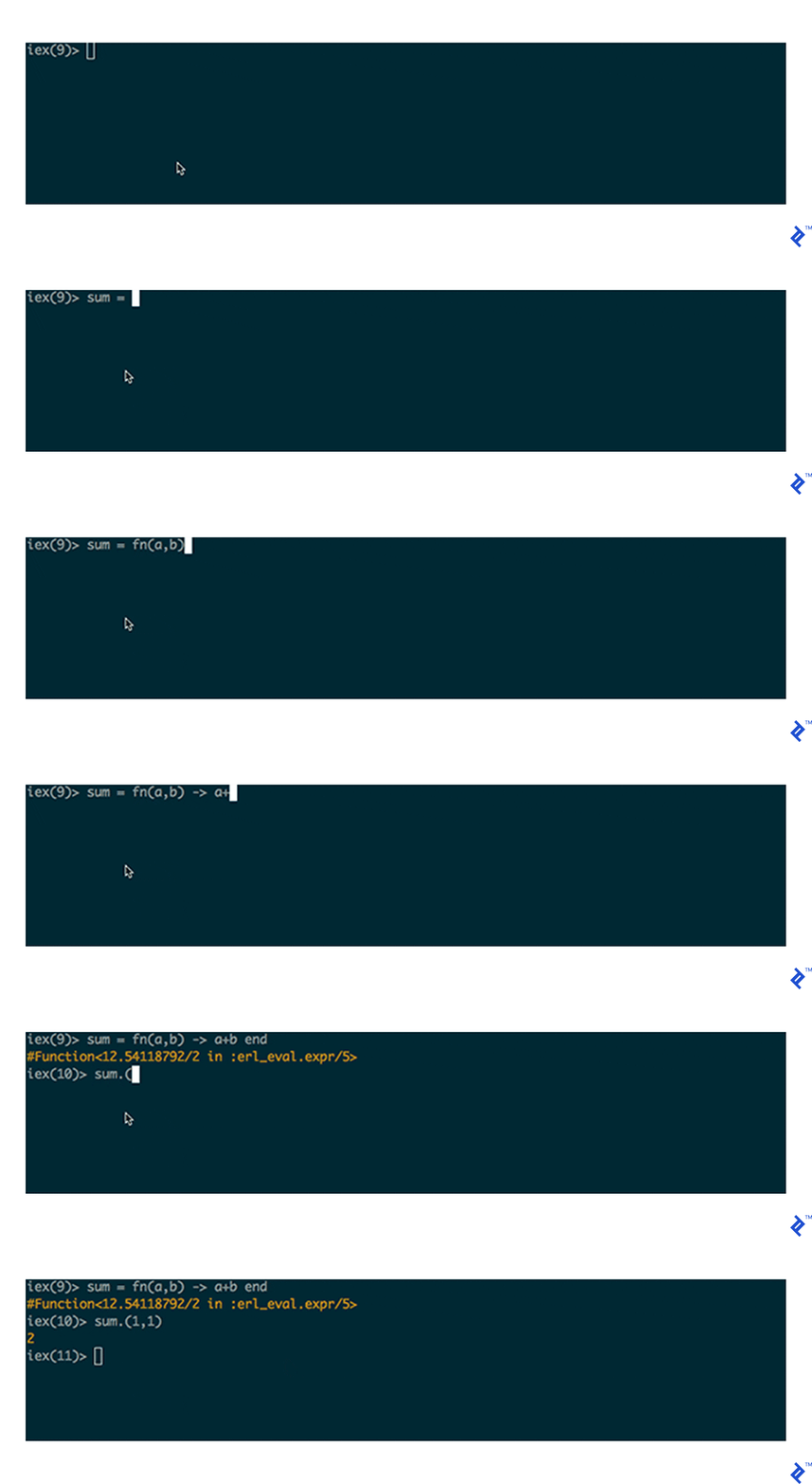
As a functional language, Elixir treats anonymous functions as a fundamental type. The basic syntax is fn (argument_list) -> body end. However, functions can have multiple bodies, argument lists, guard clauses, and more.
Dave Thomas, in the Programming Elixir book, suggests visualizing fn…end as quotes around a string literal, but instead of a string, it returns a function.
Tuples
Tuples are immutable, indexed arrays. They offer fast size retrieval but slow appending due to their immutability, as updates create entirely new copies.
Tuples are frequently used for return values, often in the form {:ok, something_else_here}.
Tuple syntax: {?a,?b,?c}.
Pattern Matching
While a comprehensive explanation of Pattern Matching is beyond the scope, the following covers the basics.
Elixir utilizes = for pattern matching, not assignment like in many other languages. Values on the left side, if variables, are bound to the right side. If not variables, Elixir attempts to match them.

Pin Operator
To enforce pattern matching specifically against a variable on the left, use the pin operator.

Lists
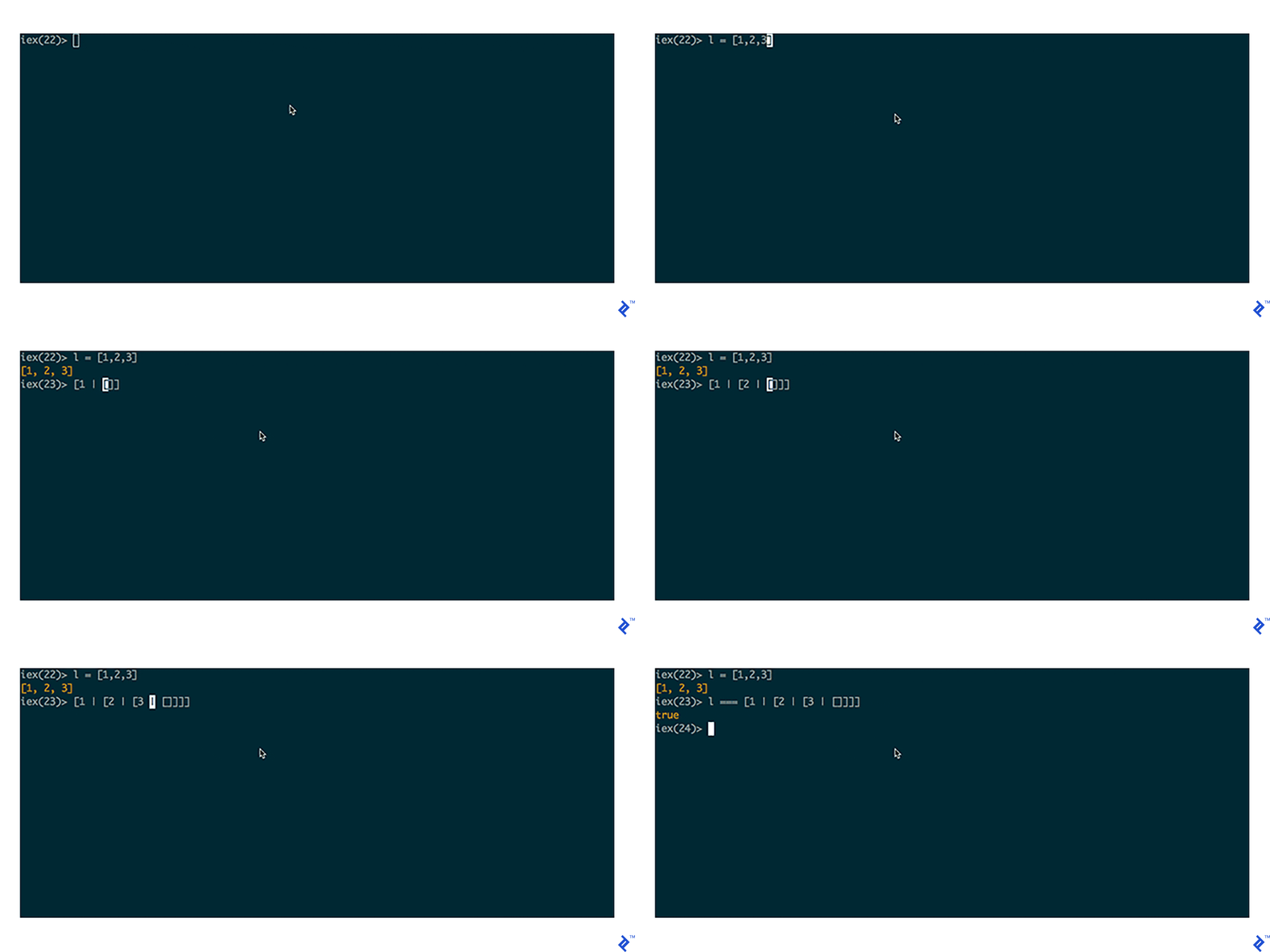
Elixir Lists, while resembling arrays from other languages, are linked structures with a head and a tail.
Keyword Lists
Keyword lists are lists of tuple pairs.
They can be written as standard lists (e.g., [{:one, 1}, 2, {:three, 3}]) or using the shortcut [one: 1, three: 3].
Retrieving an item can be done using:
| |
Or the shortcut:
| |
Keyword lists are inefficient for value retrieval, so use Maps for data requiring fast access.
Maps
Maps are efficient key/value pair collections. Keys can be any type but are typically consistent. Unlike keyword lists, maps allow only one entry per key, making them efficient for growing datasets. Use them for associative arrays and pattern matching.
Map syntax:
| |
Conclusion
Elixir is a compelling language with its simplicity, powerful types, and useful tooling, making it relatively approachable for beginners. This introductory tutorial covered its basic data types and operators. In future parts, we’ll delve deeper into functional and concurrent programming in Elixir.