My experience at the Google Performance Summit included a sneak peek at the new AdWords interface scheduled for release in 2017. While not yet in beta, the interface was available on demo-pods, offering a glimpse of its functionality and design principles.
Google emphasized three key principles guiding the redesign: “Data at your fingertips” to enhance data-driven insights, “Focus on your business” to simplify campaign optimization, and “Powerful, yet simple” for a sleeker and more user-friendly experience. Although only partially complete, the interface provided valuable insights into its workings.
One notable feature is the introduction of visual dashboards showcasing key data points such as top keywords, campaign summaries, device overviews, and time of day analysis. Google plans to expand these dashboards, offering a comprehensive view of campaign performance.
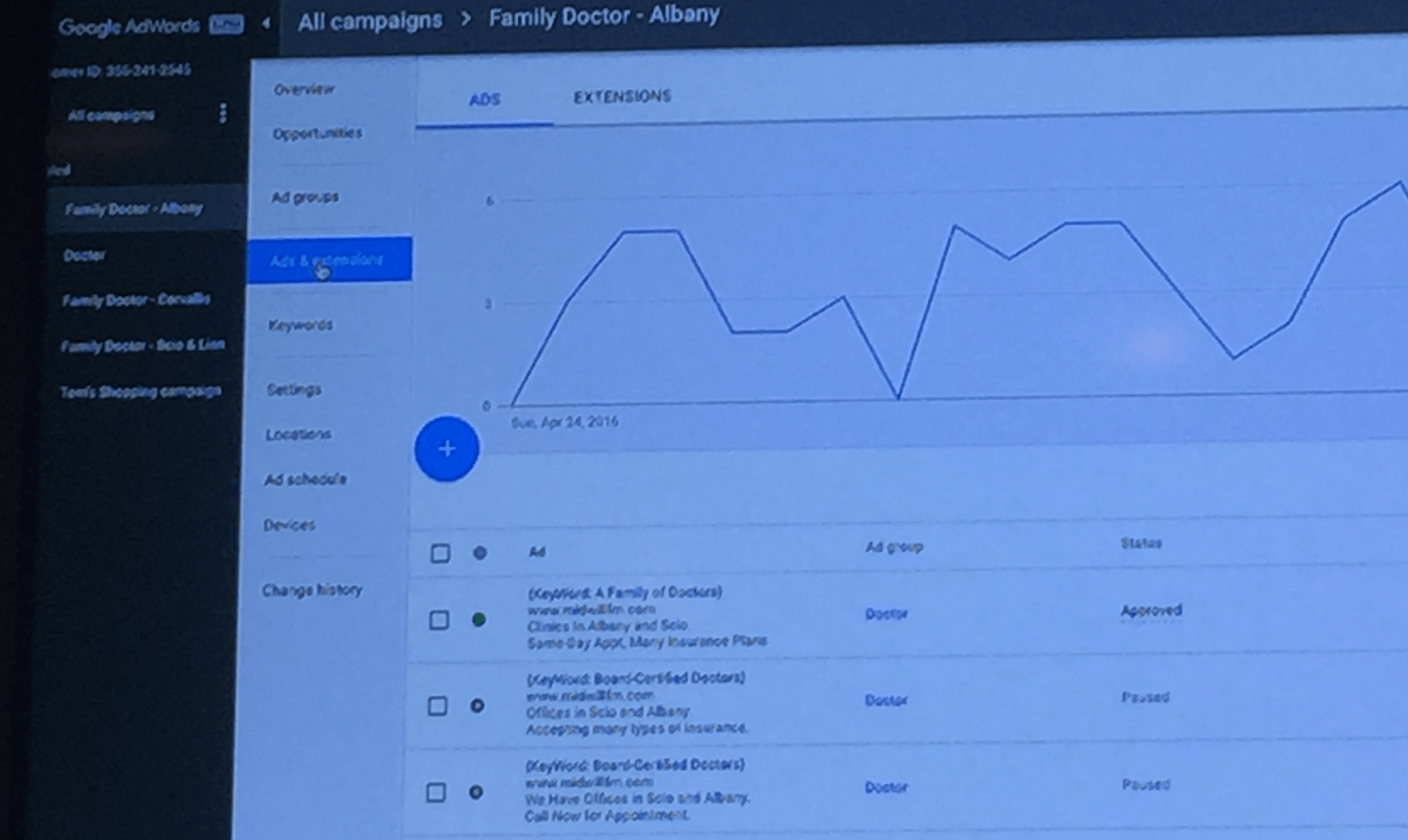
The navigation system has also been revamped. The familiar tabs—Keywords, Ad Groups, Settings, Extensions, and more—have been moved to the left side. The Opportunities tab, previously a separate entity, is now integrated within each ad group and campaign in the left explorer navigation, as depicted here:
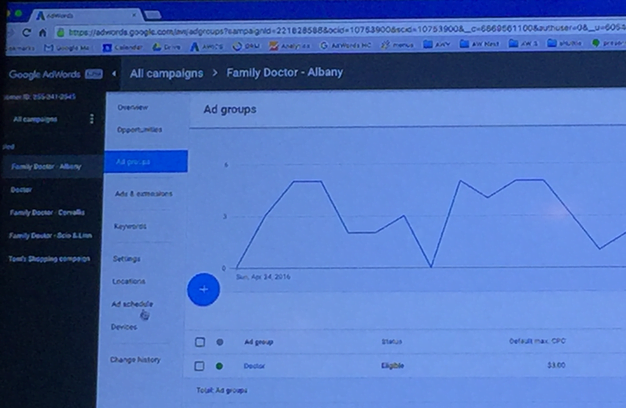
This grouping of related elements, such as ads and extensions, enhances user experience by providing a more intuitive workflow.
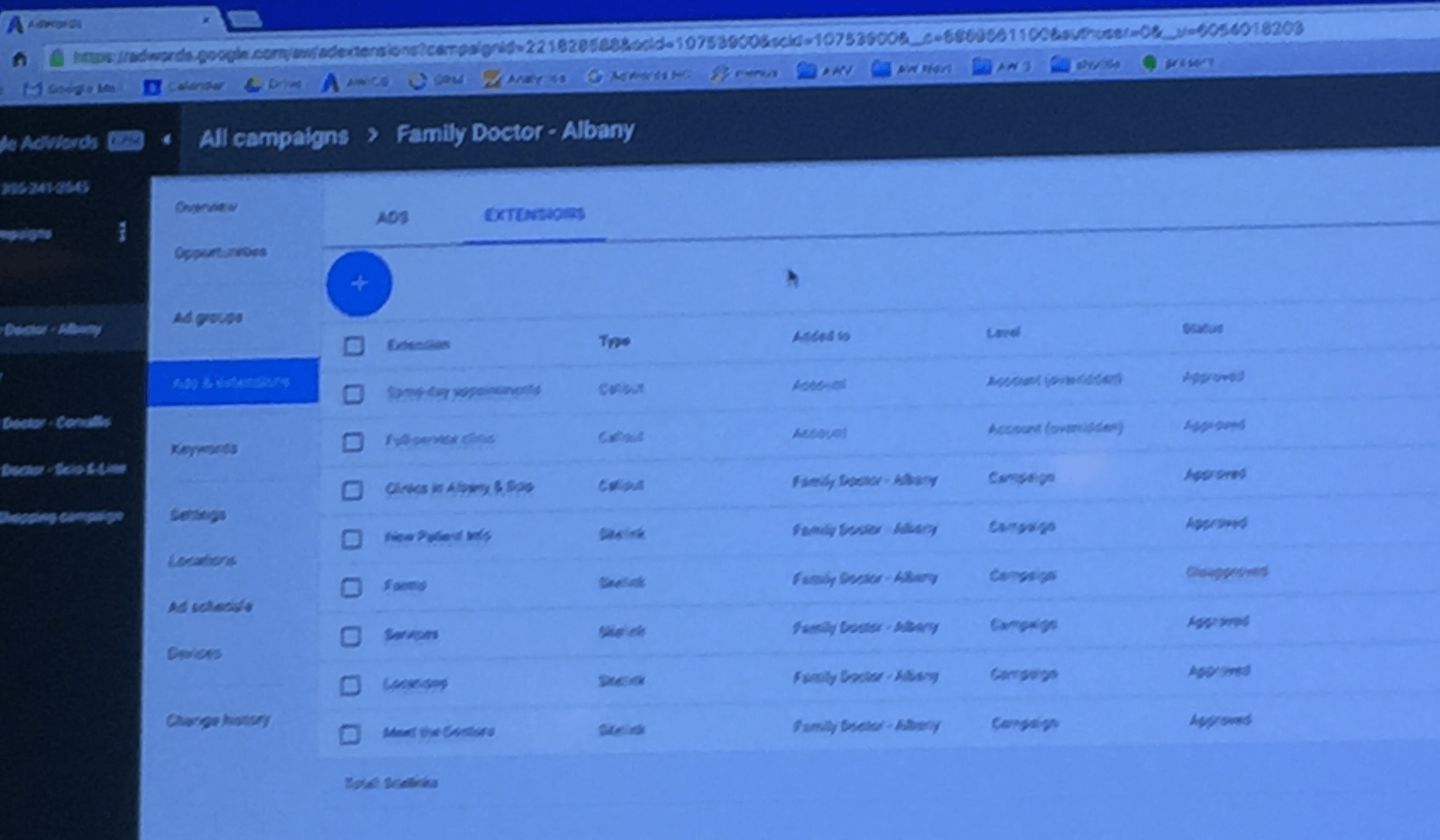
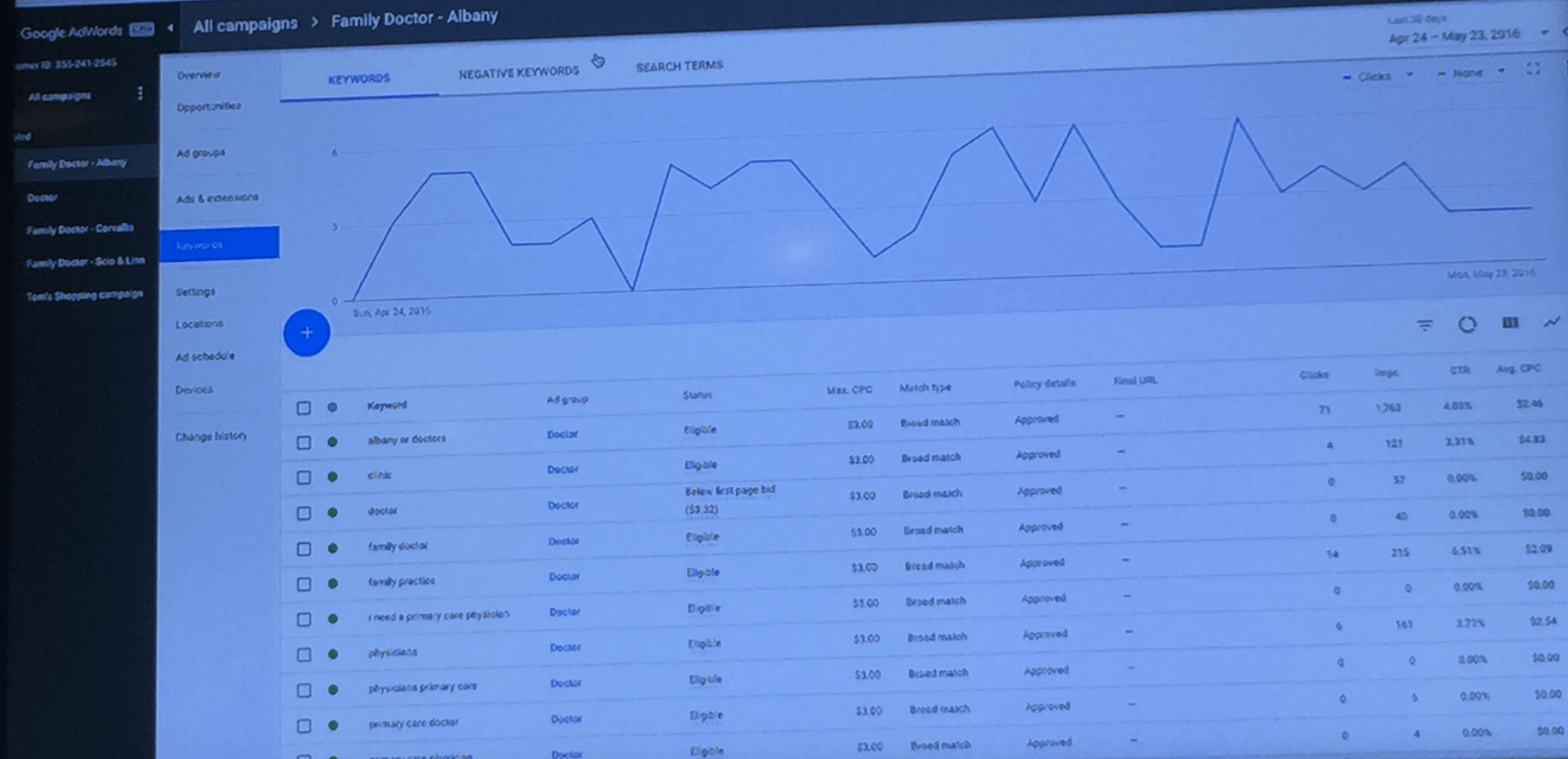
A similar logical grouping applies to keywords, negative keywords, and search terms, all consolidated within a single section:
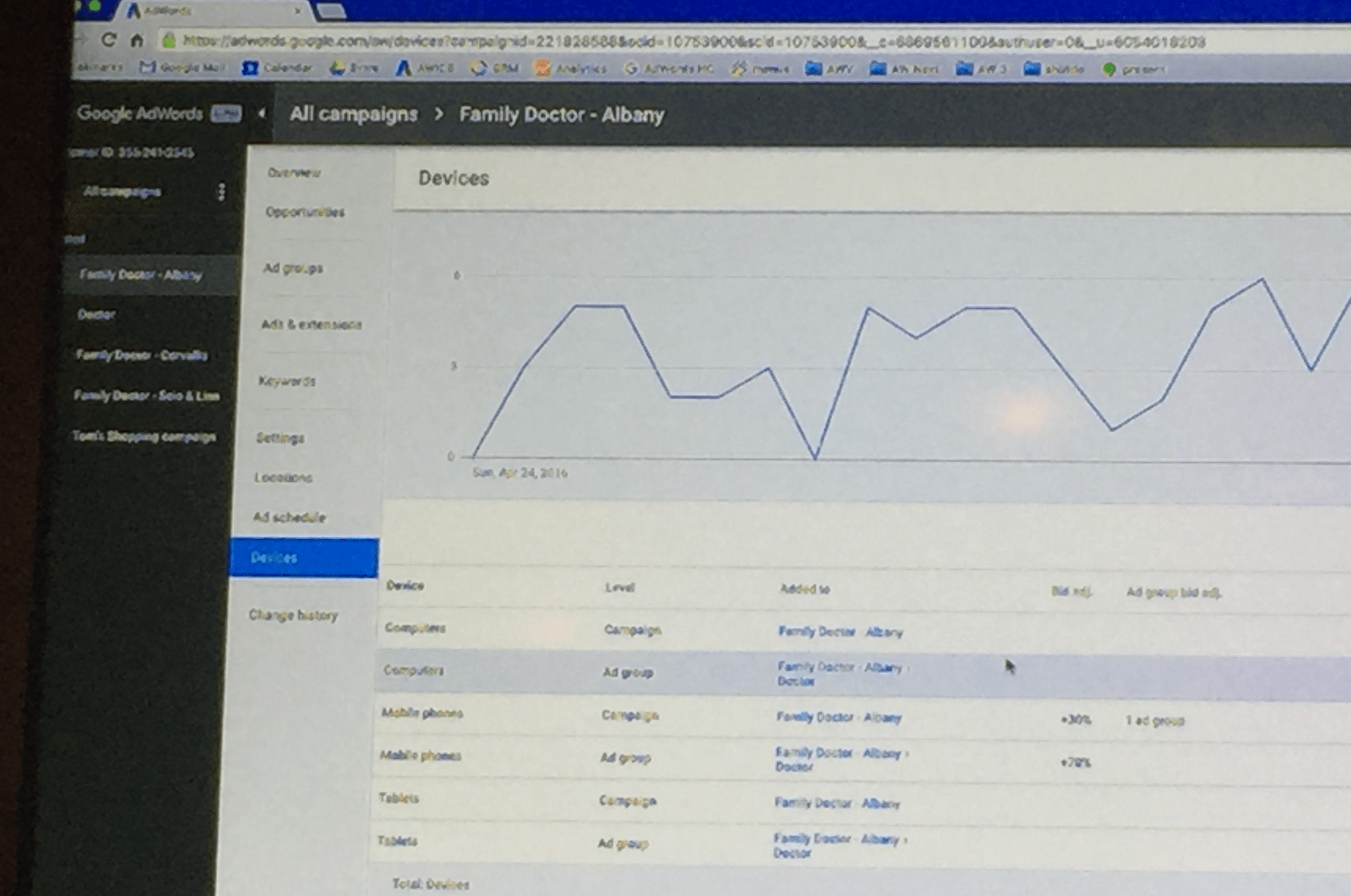
Another significant change is the apparent phasing out of the AdWords Dimensions tab. Previously a repository for various reports, its key functionalities are being integrated directly within campaign and ad group levels. For instance, the devices summary, once a separate report, is now readily accessible.
Similarly, a location summary, previously requiring a dedicated report, is now readily available for each campaign and ad group.
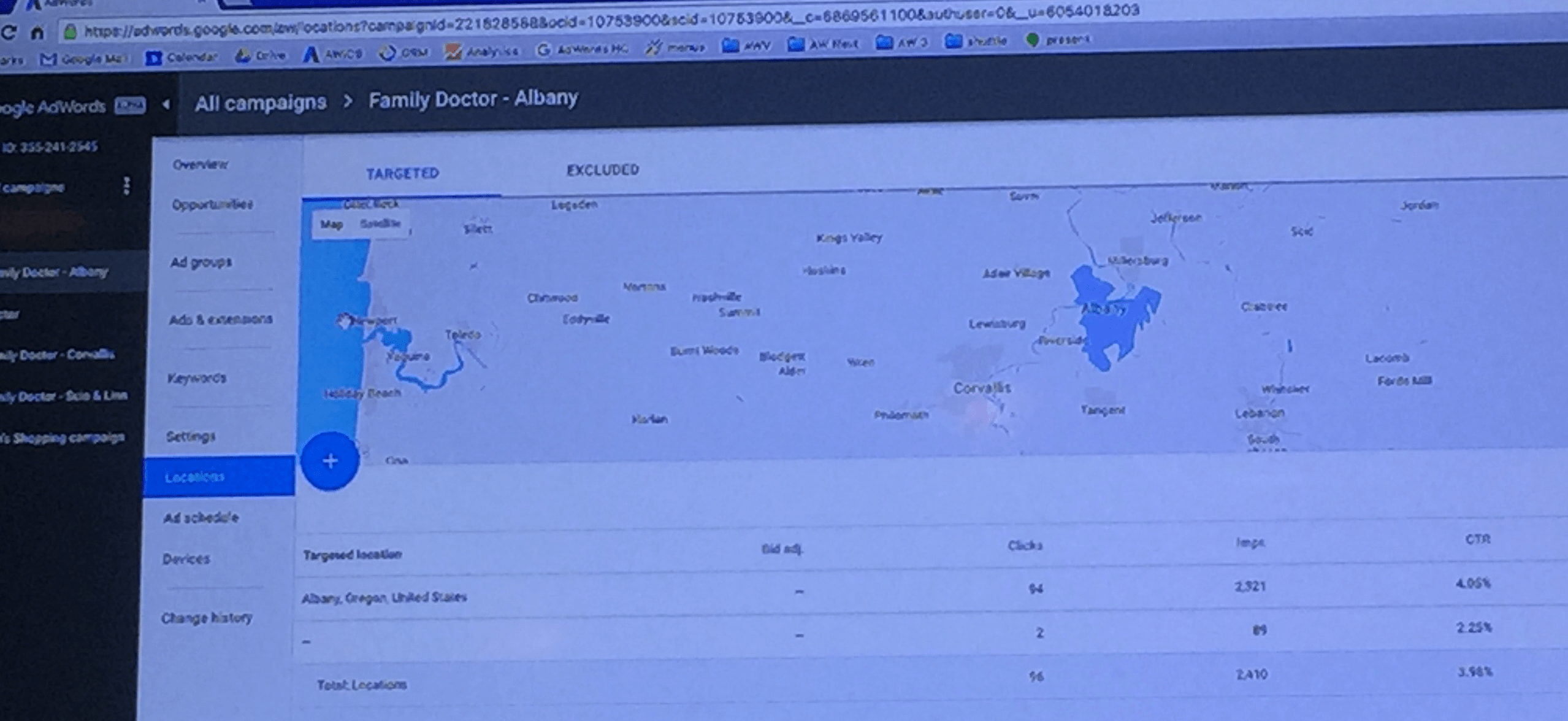
This streamlined approach aims to enhance usability by making key data points more visible and accessible.
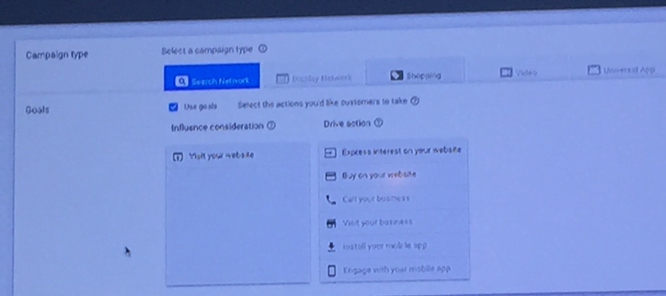
Campaign creation has been simplified with a goals-based wizard. Upon clicking the “+” button to initiate a new campaign, users are guided through a series of questions to determine their desired outcome, as illustrated below:
By understanding the user’s goals, such as driving calls, store visits, app installs, or e-commerce sales, the wizard recommends the most suitable campaign type.
For experienced users who prefer a direct approach, Google assures the ability to bypass the wizard entirely.
Overall, the new interface retains a familiar feel while incorporating significant improvements. The reorganization of elements and streamlining of workflows aim to enhance user experience, particularly for power users. Whether this redesign truly simplifies AdWords or merely reskins the existing system remains to be seen. What are your thoughts on these changes?