Here’s a question I often encounter: I’ve been using AdWords/Google Ads for a while, and my campaigns are performing well. However, I’m looking to maximize my return on investment and simplify campaign management. The solution, my friend, lies in a single word: scripts! For those unfamiliar, scripts are essentially code snippets that automate specific Google Ads processes, enabling more efficient and profitable campaigns while minimizing time spent on repetitive tasks.
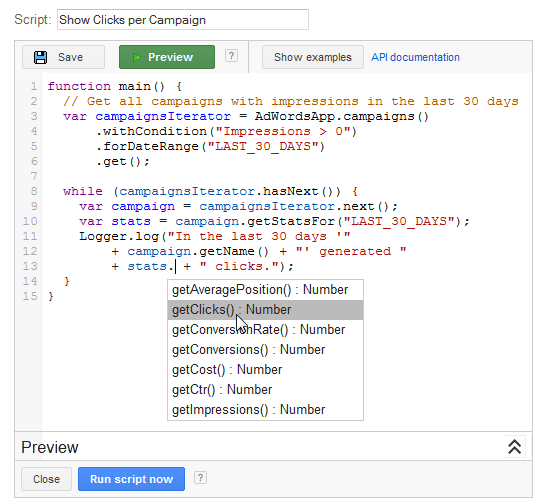
Many advertisers have a vague understanding of AdWords or Google Ads scripts but hesitate to utilize them. Let me assure you, scripts are not overly complex and can be mastered without extensive effort. Even without a technical background or coding experience, the learning curve is quite manageable. Furthermore, there’s no need to create scripts from scratch – numerous free scripts are readily available online (a quick Google search will suffice). Once you’ve identified a suitable script, simply copy and paste it into your ad account. Installing and running AdWords Scripts is incredibly straightforward, even beginners can handle it! Still not convinced? Here are seven compelling benefits that scripts can bring to your Google Ads account and enhance your workflow…
1. Scripts automate tedious and repetitive PPC tasks
Imagine: sifting through search term reports, sifting through endless Excel sheets, frantically navigating to ad groups lacking price extensions, manually applying bid modifiers, adding your keywords as negatives in your DSA campaigns, relentlessly excluding irrelevant keywords in Shopping campaigns, correcting capitalization errors in ad copy, etc. And let’s not forget the never-ending checks of monthly budget spent!

While these tasks are essential for maintaining healthy PPC campaigns, they are undeniably monotonous and time-consuming. Instead of wasting valuable time on these mundane routines, automate them with a script!
2. Enhance account performance
Ideally, you’d constantly monitor your AdWords campaigns. Upon discovering a high-converting, cost-effective keyword, you’d instantly increase its bid. Conversely, you’d promptly eliminate poorly performing, expensive keywords to avoid wasting your budget.
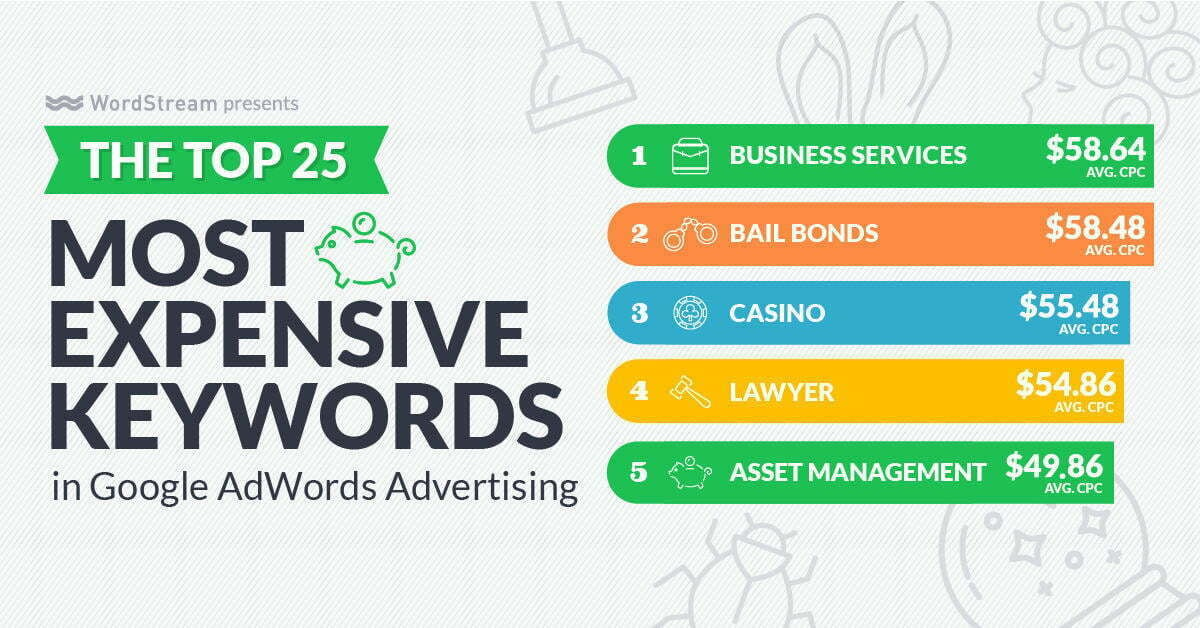
However, in the real world, managing campaigns and optimizing them daily is often unfeasible due to numerous other responsibilities. Fortunately, scripts come to the rescue! Scripts empower you to automatically increase bids on cheap high conversion keywords, prevent ads from appearing for irrelevant search terms, discover bad performing keywords, and even trigger ads that mention the rain when weather conditions are wet. The possibilities are vast.
3. Minimize errors
Mistakes are inevitable, but you can mitigate their impact by identifying and rectifying them promptly. Google Ads scripts can help achieve this. Scripts enable you to send less (paid!) traffic to broken links, receive notifications for unintentional campaign pauses, monitor Google’s latest AI “enhancements,” automatically pause campaigns upon budget depletion, and even get SMS alerts for billing issues.
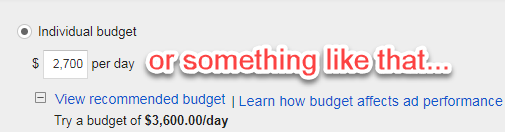
Essentially, scripts ensure your campaigns operate smoothly and efficiently.
4. Make adjustments effortlessly
This is productivity at its finest. Products out of stock? Website down? No need to rush to pause your ads – your AdWords Script to disable these ads will handle it for you!
5. Shift focus from reporting to strategy
It’s widely acknowledged that strategic decision-making should take precedence over operational tasks. However, strategic insights rely heavily on data, which requires significant time for cleaning, reporting, and analysis.
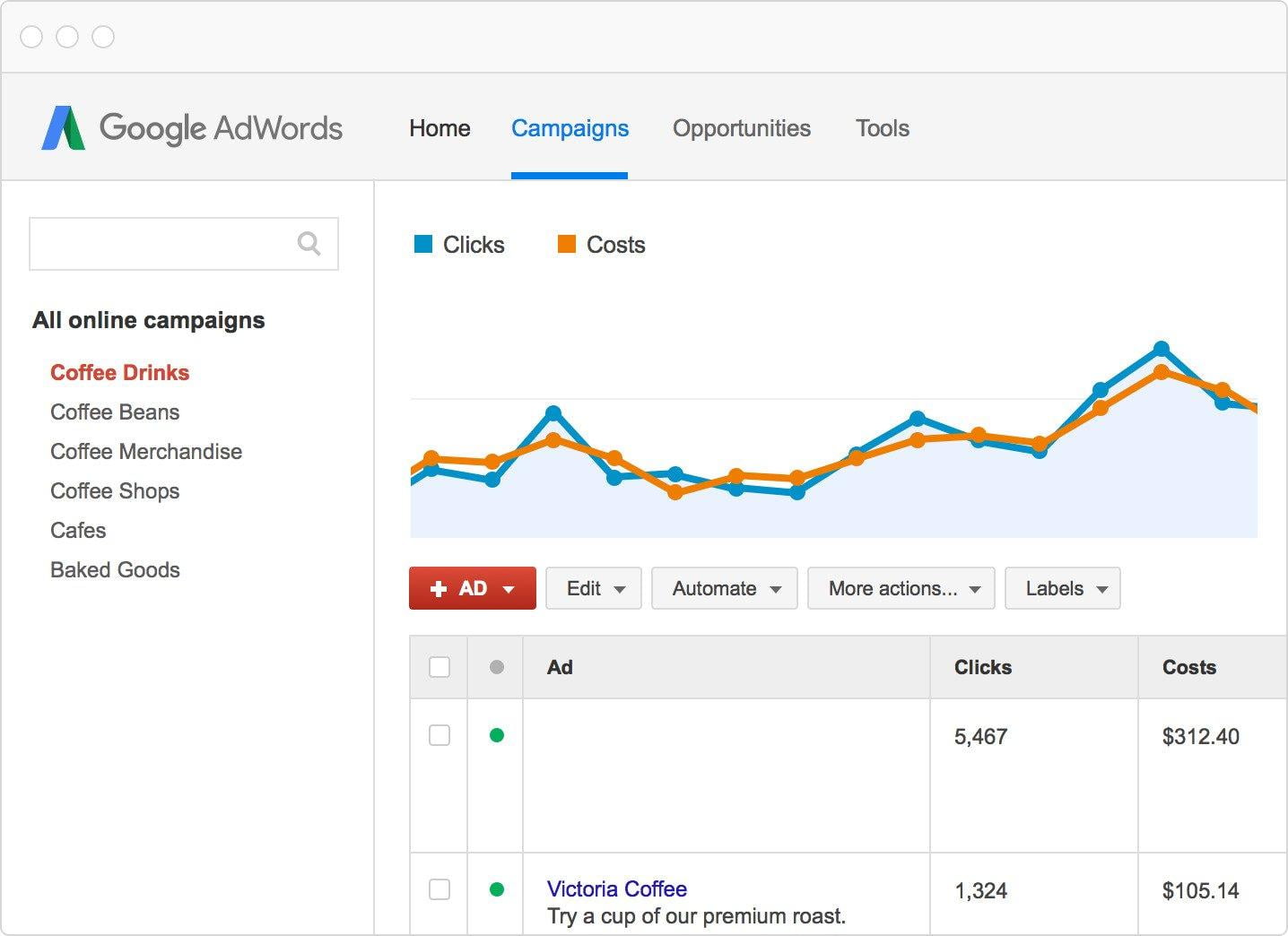
Once again, scripts prove invaluable. This script, for instance, automatically generates heat maps from your data, providing instant answers to questions like “How does my performance fluctuate by hour of the week?”
6. Impress colleagues and superiors
For marketing professionals aiming for career advancement, the next two benefits are particularly relevant. AdWords Scripts facilitate the sharing of broken links and newly identified keywords with colleagues, assist non-technical PPC team members in building campaigns and ad groups from Google Sheets, and even showcase graphs on how you beat the competition to your boss.
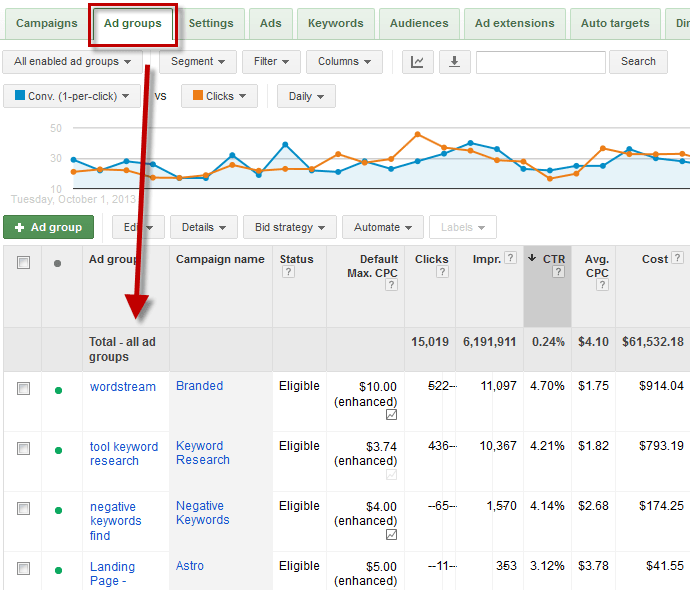
Manually creating ad groups in Google Ads can be tedious. Over time, you’ll be recognized as the go-to PPC expert within your company, leading to…
7. Enhanced career prospects
Proficiency in Google Ads Scripts is a highly valuable skill set. It distinguishes you from peers and makes you an asset to employers. Whether you’re seeking a raise, exploring opportunities elsewhere, or venturing into freelance PPC specialization, expertise in scripts will open up these doors for you. Once you elevate your PPC skills with scripts, the possibilities are limitless! Now that you understand the compelling reasons to embrace AdWords scripts, consider them an extension of your team. Once you grasp their vast potential, you’ll wonder how you managed without them. Ready to take the plunge? Explore my article on getting started with Google Ads Scripts.